UCA Open Day Website Redesign
UCA Open Day Website Redesign
The University for Creative Arts Open Day website was difficult for students to navigate, making it hard to find courses and register. We designed a simplified, grid based microsite with a playful look to make finding information easier and improve the booking experience.
The University for Creative Arts Open Day website was difficult for students to navigate, making it hard to find courses and register. We designed a simplified, grid based microsite with a playful look to make finding information easier and improve the booking experience.
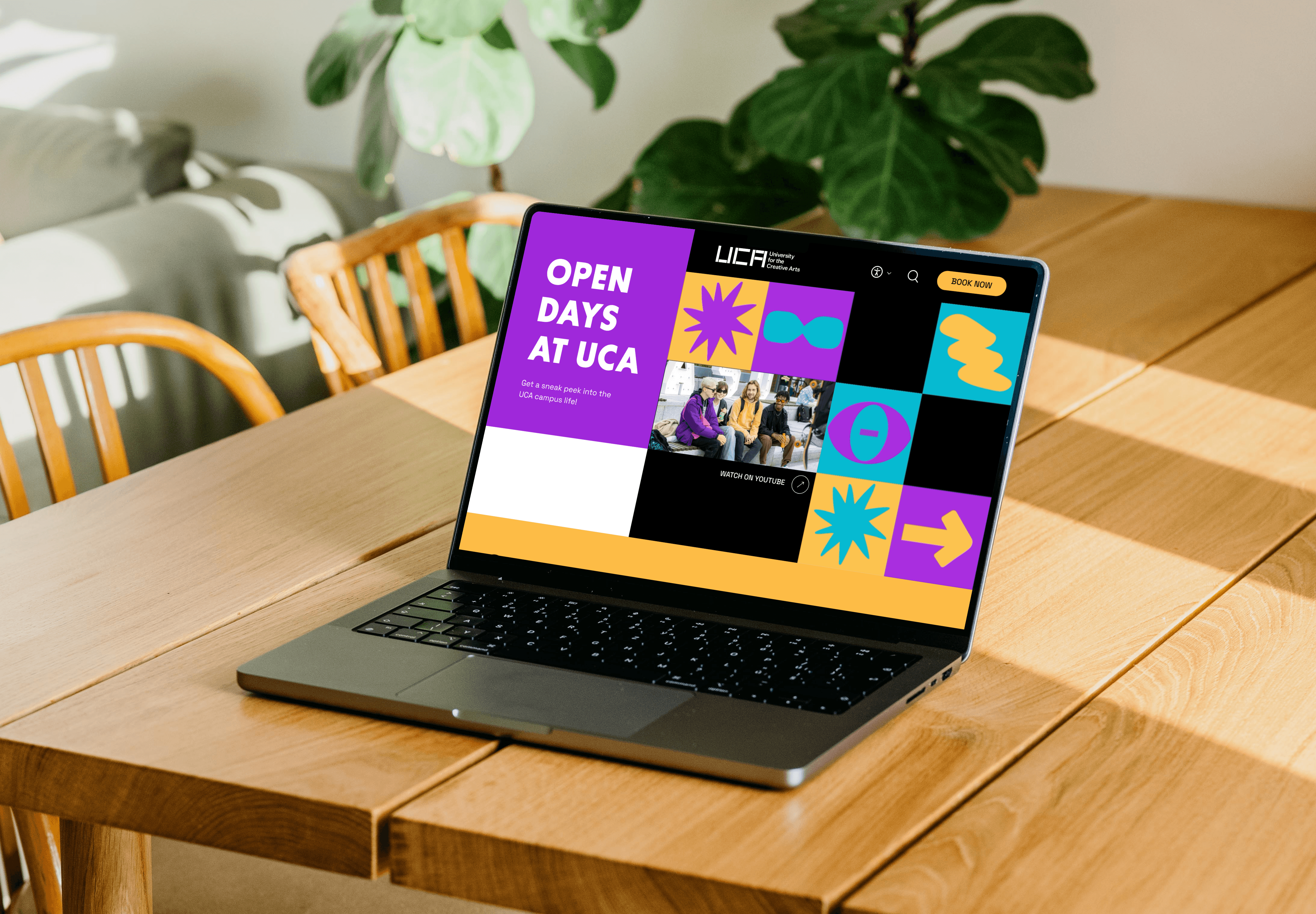
UCA's Open Day website was losing prospective students before they could book a visit. Complex navigation, text-heavy pages, and a confusing booking flow made the digital first impression work against enrollment. I led UX for a team of 3 to redesign the discovery to booking experience creating UCA's first grid-based microsite that reflects the university's creative identity while making course discovery and visit booking effortless.
UCA's Open Day website was losing prospective students before they could book a visit. Complex navigation, text-heavy pages, and a confusing booking flow made the digital first impression work against enrollment. I led UX for a team of 4 to redesign the discovery to booking experience creating UCA's first grid-based microsite that reflects the university's creative identity while making course discovery and visit booking effortless.
Project type:
UX Redesign & Education
Timeline:
7 weeks (2024)
Tool:
Figma, Figjam, Adobe Illustrator
My Role:
UX lead
Team:
3 designers (UX × 1, UI × 1, Graphic × 1)
UCA's Open Day website was working against the university it represented. Prospective students arrived curious and left confused unable to find their course, unaware other campuses existed, and frustrated before they ever reached the booking page.
How might we redesign the Open Day experience so that a prospective student can discover their course, explore the campus, and book a visit without getting lost or giving up?
Three core problems drove the redesign:
UCA's Open Day website was working against the university it represented. Prospective students arrived curious and left confused unable to find their course, unaware other campuses existed, and frustrated before they ever reached the booking page.
How might we redesign the Open Day experience so that a prospective student can discover their course, explore the campus, and book a visit without getting lost or giving up?
Three core problems drove the redesign:
70%
Reduced time spent and user confusion, helping them to find Open Day details faster during testing.
70%
Reduced time spent and user confusion, helping them to find Open Day details faster during testing.
65%
Boosted user engagement with clearer CTAs and an organised flow, making users feel more encouraged and likely to register for an Open Day.
65%
Boosted user engagement with clearer CTAs and an organised flow, making users feel more encouraged and likely to register for an Open Day.
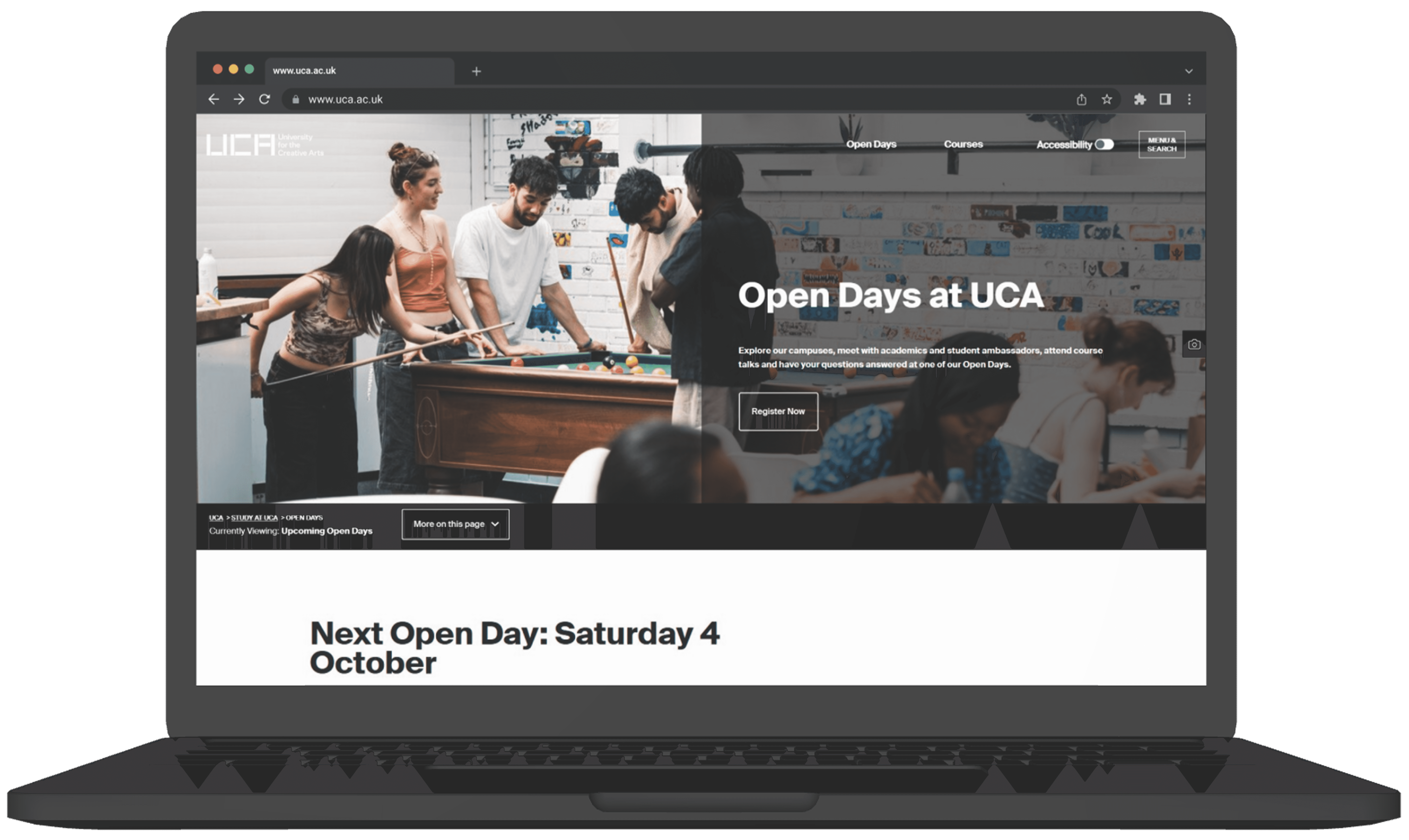
The current website homepage
The current website homepage

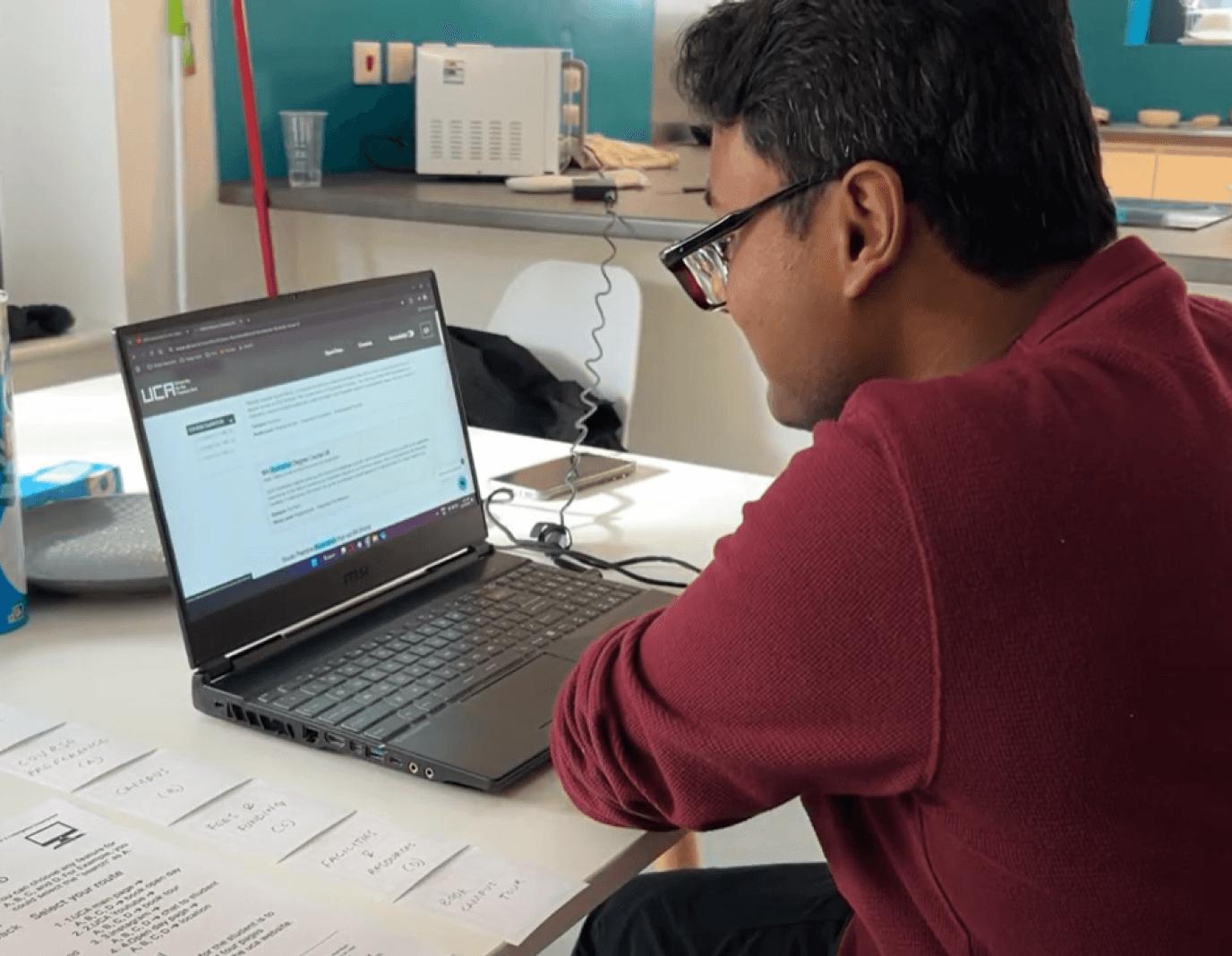
We ran usability testing with 40 students on the existing Open Day site, observing their navigation patterns in real time. The goal was simple - find exactly where users lost confidence and gave up.
Three failure points appeared in every single session:
Campus blindness not one participant discovered that UCA had multiple campus locations without being prompted.
Fee friction users repeatedly skipped the Fees & Funding section entirely because the page was too text-heavy to scan quickly.
Booking breakdown every participant struggled to complete the booking flow, losing their place across multiple redirects with no sense of progress.
These weren't isolated complaints. They were the same three walls, hit by every user, in the same order. That consistency gave me clear direction for what the redesign had to solve first.
Findings
Key usability issues identified during the existing website testing.
Users get lost in organizational content—overwhelming side navigation consuming excessive space alongside content.
Lack of awareness about alternate campus locations.
Lengthy and confusing open day booking process.
Excessive clicks and unnecessary redirections complicate the registration process, which can be streamlined.
Difficulty navigating due to an overabundance of sections.
Incorrect section hierarchy disrupts content flow and appears inconsistent to readers.
Disorganized information hierarchy.
Text-heavy content with insufficient emphasis on key information leads to users overlooking important details.
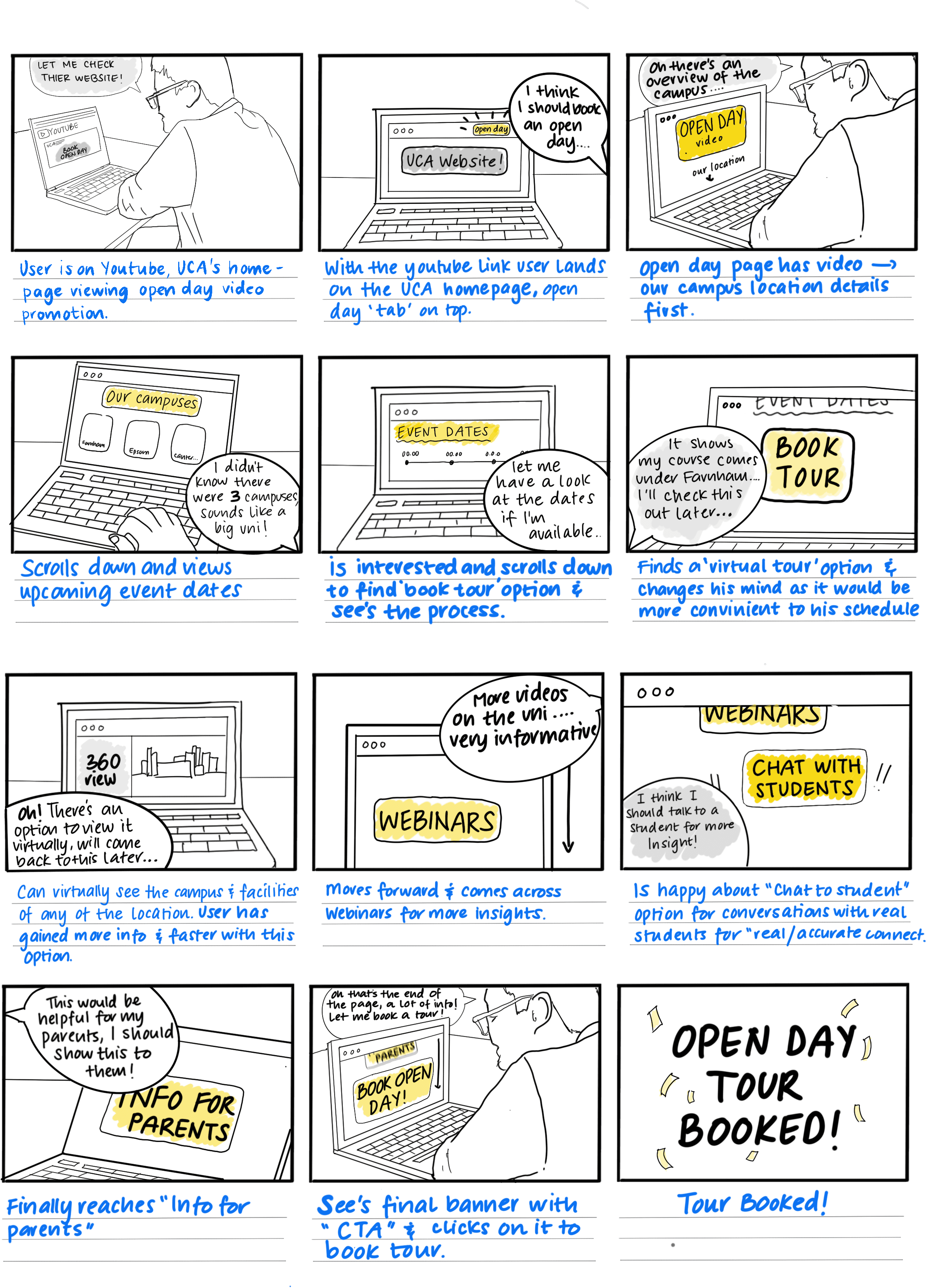
UCA Youtube
Scrolls through UCA's YouTube content for an overview.
Goes back up and clicks the link to the UCA website.
Abuman Pal
An 18 y/o Indian Bengali/Assamese boy. Looking to pursue his bachelor’s in Animation in UCA and wants to know more about the course and facilities provided by the university.
Video thumbnails
UCA website link
The quad
Linear Gallery
Main Building
Jewellery Workshop Crafts
Studio Space Illustration
Student Halls Courtyard
Accomodation student lawn
Kitchen, Student Acc.
Bedroom, Student acc.
Book tour (Course detail page)
Apply
Login details > Login CTA
Register
*page skipped
*page skipped
Expectations:
To be able to find all the information on:
Fees and Funding
3. Virtual tour of the campus
Clearly emphasise the ‘Course’ tab option on the main page for clearer and easier user acccessibility.
Highlight and Distinguish the three different UCA Campuses within the whole website
Position the search bar prominently on the main website page instead of nesting it within the menu, making it more accessible for users.
Enhance the university website for smoother student navigation and develop a vibrant microsite dedicated to theme-based open days and campus tours, keeping the experience engaging and dynamic.
Facilities and Resources
4. Book an open day tour
Opportunities
Team Duties
User Journey Map UCA Open day visits
Team: ARMS
Team members:
Ananya Sharma
Richa Elangovan
Mayukh Rastogi
Siddhi Kapre
Tries to find a way to open course page.
Opens the menu to find search bar and enters his course name.
Opens his course page and glances through it.
Reads the Fees and Financial Support section on the course page.
Skips the detailed fee page.
Potential student CTA
Main Menu
Search bar
Course detail CTA
Overview
Course video
Artworks
What you’ll study
fees and finance
International fees
Facilities - 360 tour
Skips the main facilities page.
Visits the Virtual Campus Tour from the course page.
Engages with the 360-degree interactive tour.
Explores common spaces and bedrooms in the 360-degree tour.
Books a campus tour via the course detail page.
Fills the initial form but tries logging in instead of registering.
Completes and book the Open Day.
Course Main Page
Fees & Funding
Facilities
Campus Tour
Book tour
- ‘At least they’ll give scholarships’
- '18,000 fee is not bad’
'Man this is so tough to
figure out'
'Very Interesting'
Oh, I know her!
‘I like the class, the class looks fancy, very spacious’
Gosh I love technology’
‘How do I go back?’
‘How to book?’
Hero Section
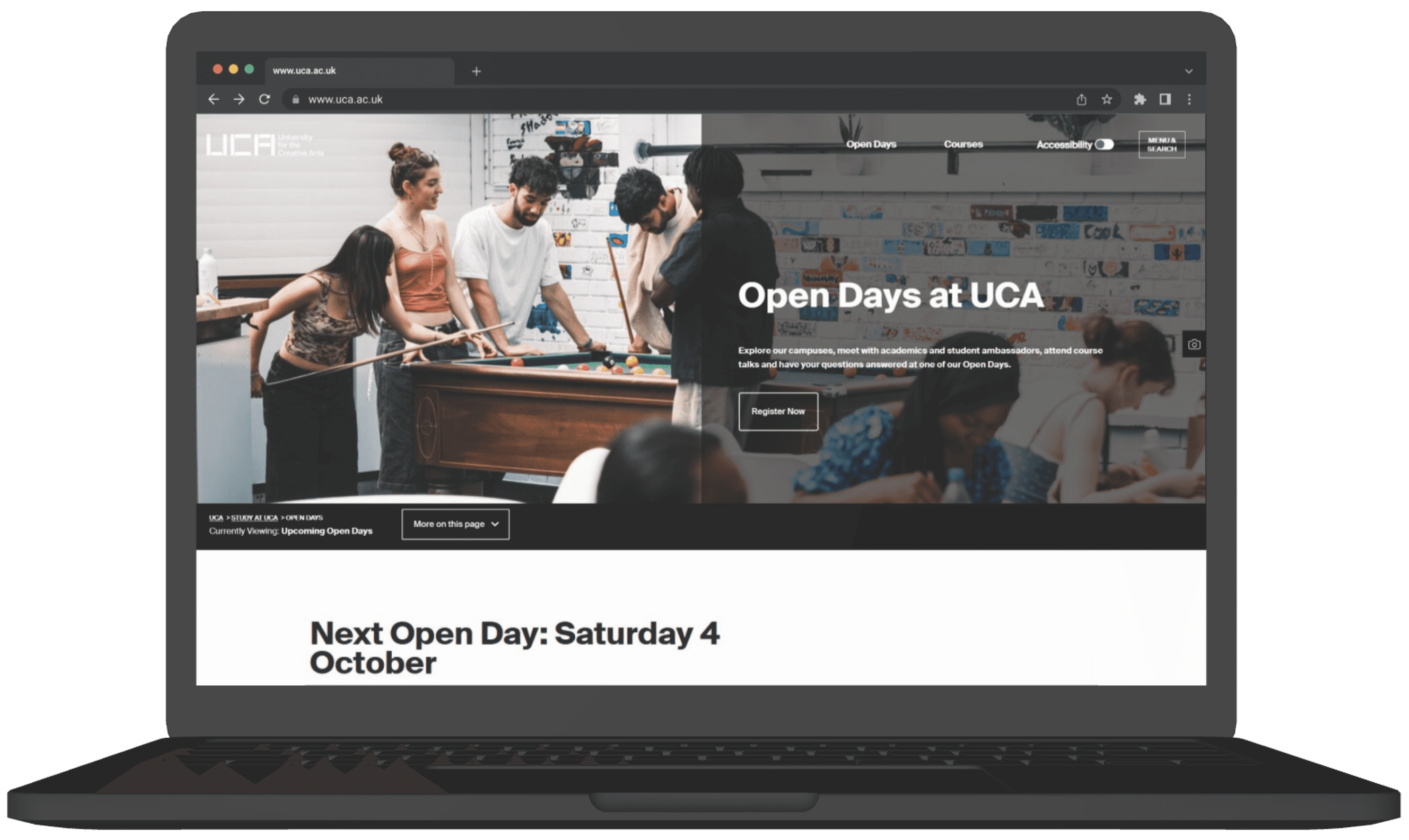






Weak Visual Hierarchy
Headline and CTA blend into the backgroundPoor Readability
Text placed over a busy image reduces contrast and clarity.Unclear Primary Action
Button is not visually prominent
Inconsistent Alignment
Elements feel loosely placed
Generic
Hero photo doesn’t communicate Open Day information or context.
Accessibility Confusion
Accessibility toggle sits awkwardly near the menuBooking Section
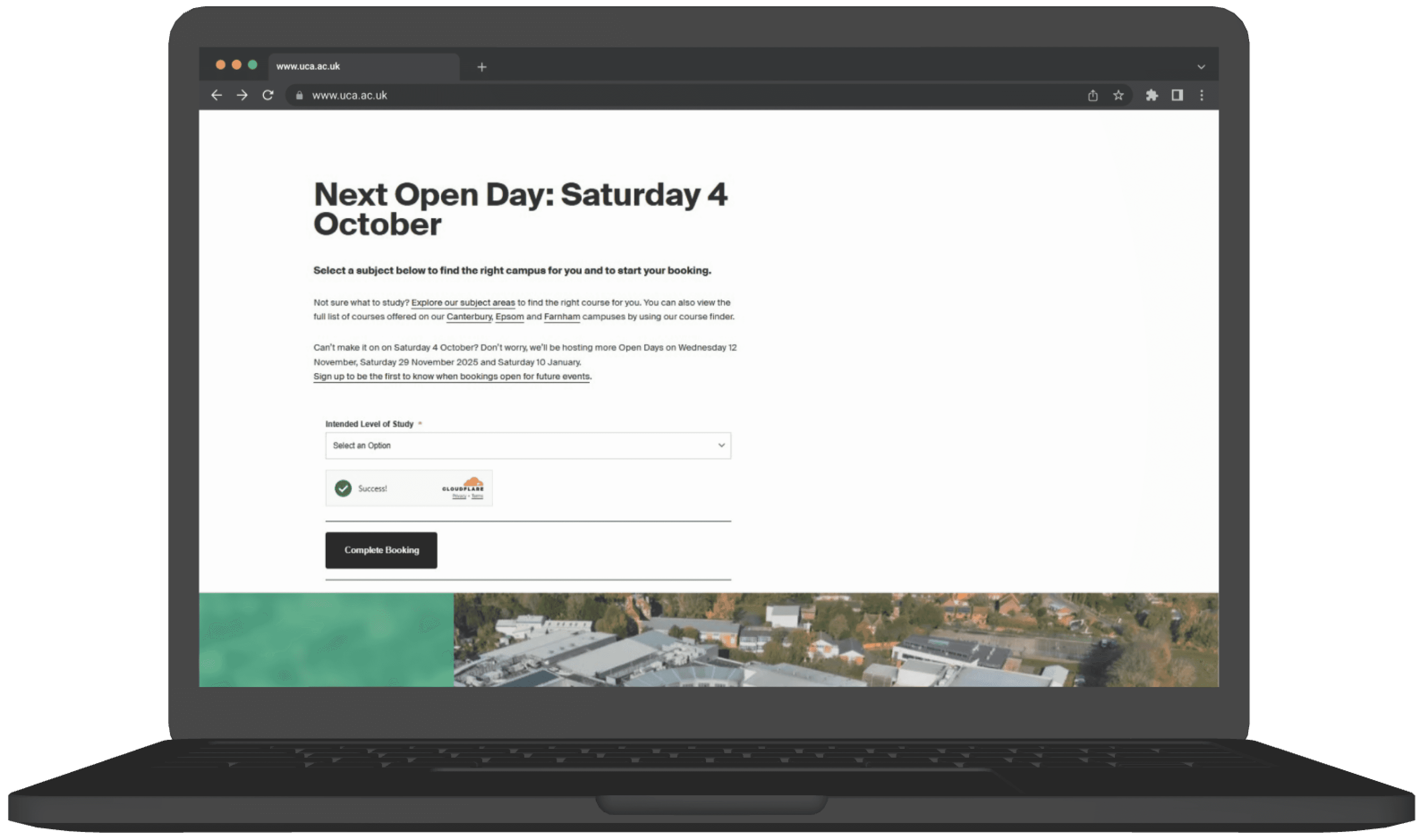



Poor Use of Space
Large empty white space on the right creates imbalanceWeak Visual Hierarchy
The heading dominates, but the form fields and CTA don’t stand outLow Form Clarity
The dropdown and completion steps feel disconnected; users may not understand what to do first.Unclear CTA Priority
“Complete Booking” is smallCognitive Overload in Text Block
Long paragraphs before the form make the critical action harder to find quickly.Lack of Progress Indication
No steps or indicators show how far the user is in the booking process.?
The booking process involves multiple steps and redirections, increasing the chance of user errors.
Virtual Tours
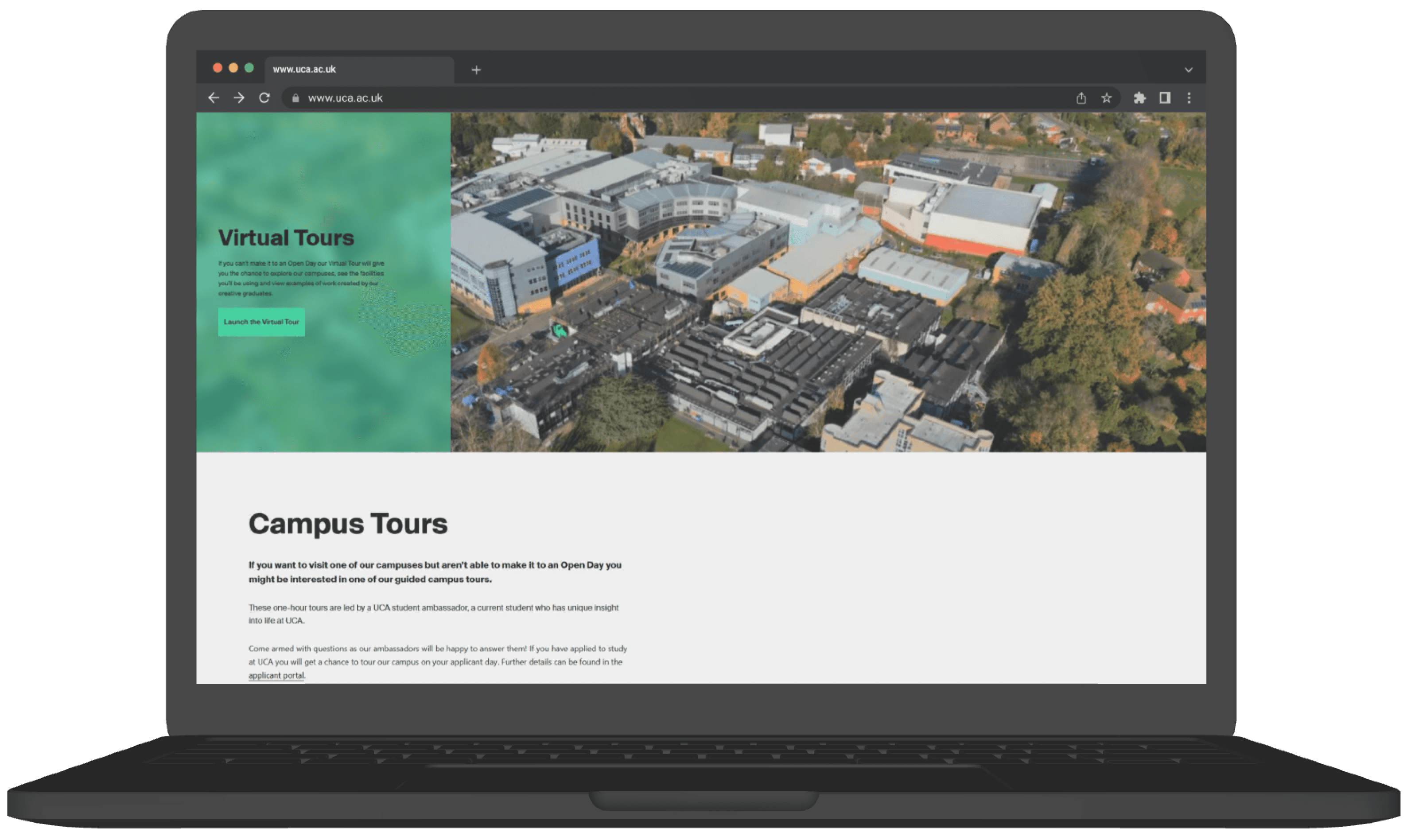




Weak Visual Balance
Heavy image on the right and minimal text on the left creates imbalanceLow Text Visibility
Green background pattern reduces readabilityUnclear Information Hierarchy
The heading is clear, but body text is small and visually gets lost against the busy background.Weak CTA Visibility
Campus Tours
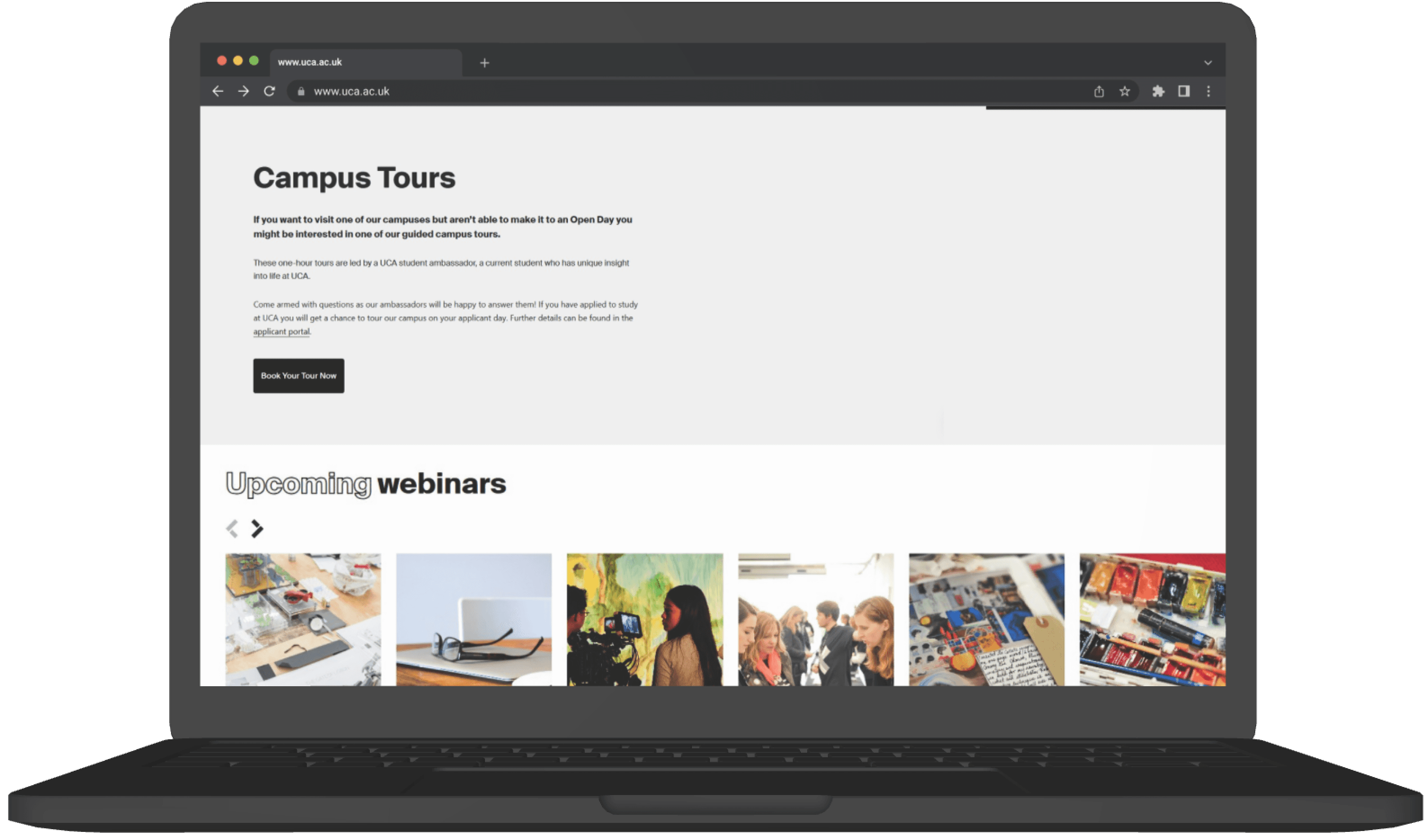


Excessive Text Block
Long paragraphs reduce readability
Weak Visual Structure
Large empty space on the right creates imbalance.
CTA Lacks Emphasis
“Book Your Tour Now” button is small relative to the space.
No Visual Hierarchy
All text looks similar; nothing guides user attention.
Upcoming Webinars
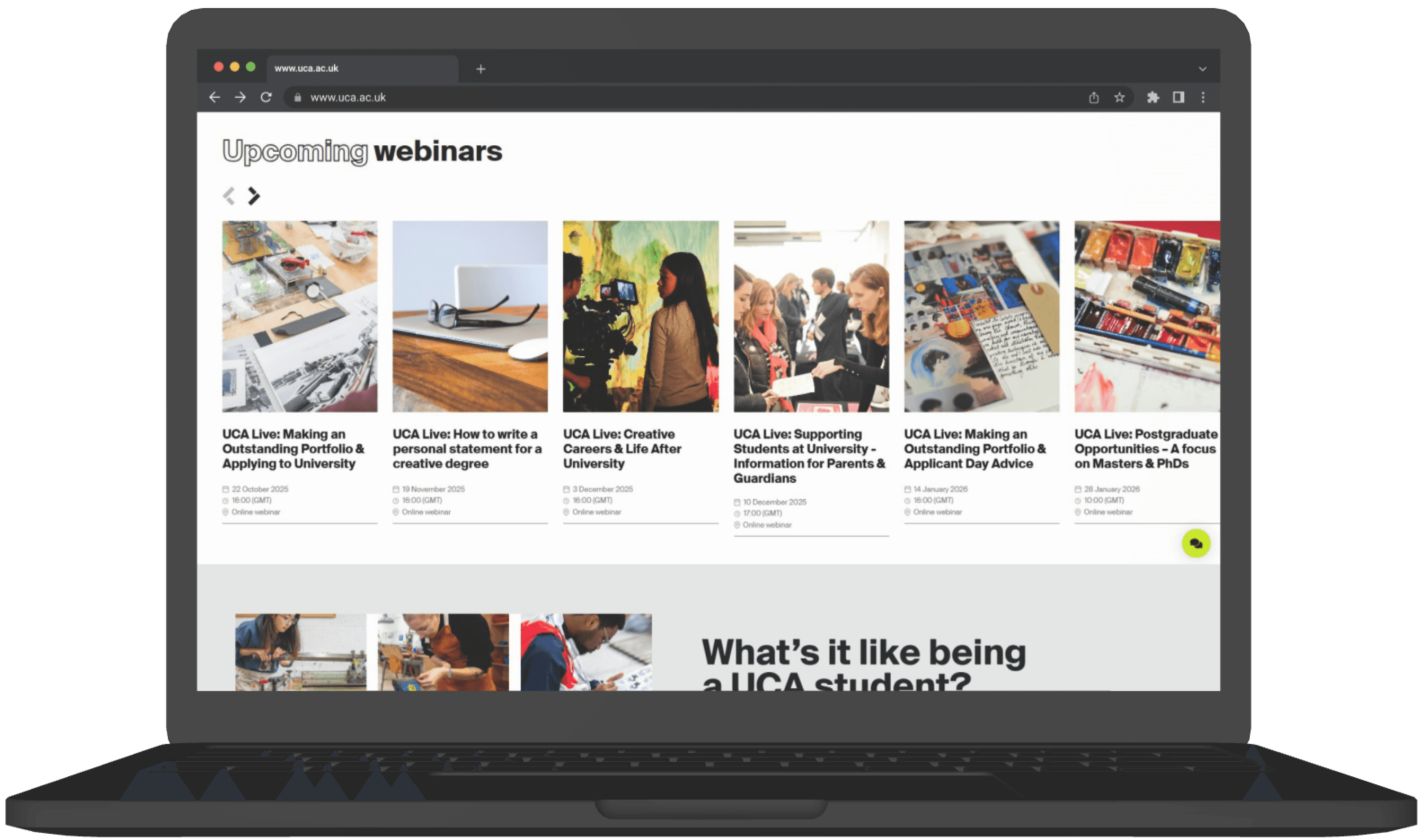





Crowded layout
Many cards displayed at once, causing visual overload.
Inconsistent spacing
Uneven card widths, margins, and text alignment.
Low hierarchy
Webinar titles and dates compete visually.
Poor grouping
Academic vs. general-interest webinars aren’t organized clearly.
Weak navigation controls Tiny arrows are hard to notice and use.
Chat to a student
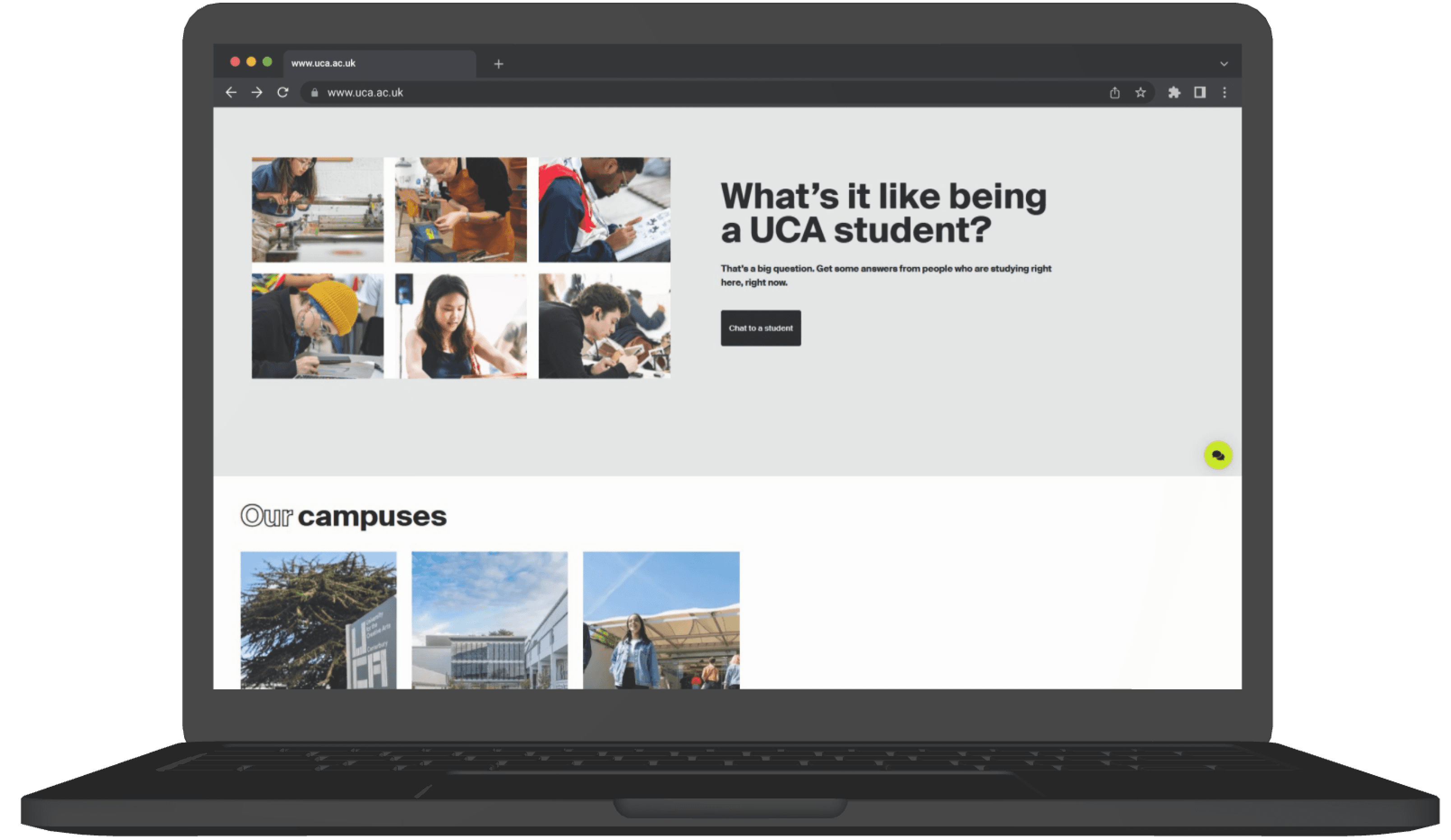



CTA Lacks Emphasis
“Chat to a student” button doesn't stand out visually.
Spacing Imbalance
Heavy cluster of images vs. large empty space reduces visual balance.
Weak Content Hierarchy
Images overpower the heading and message.
Our campuses
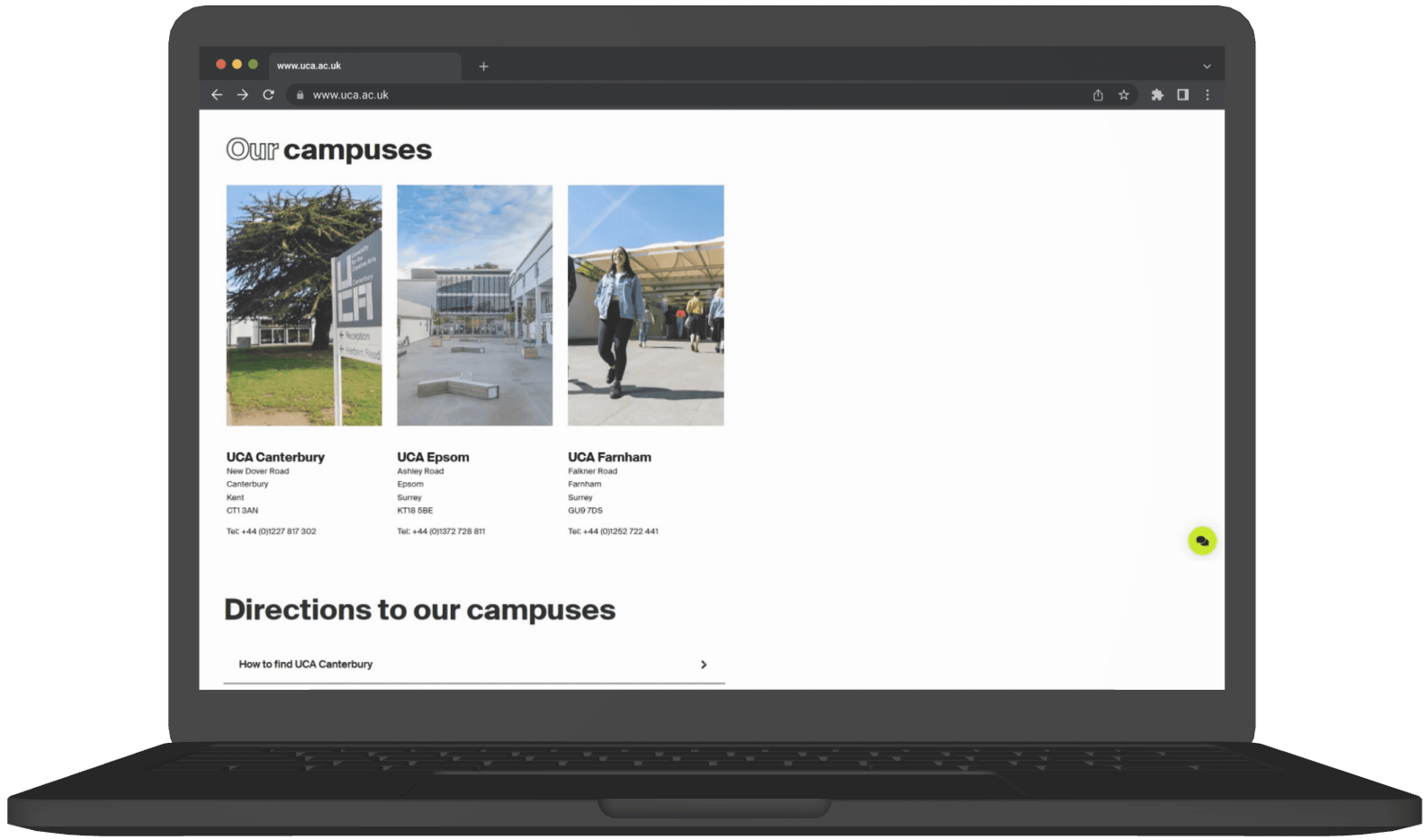



Inefficient Use of Space
Large empty right side creates imbalanceNo Clear CTA
No direct action like “View Campus Tour”Weak Visual Hierarchy
Campus names and details lack contrastLow Information Clarity
?
Directions to our campuses
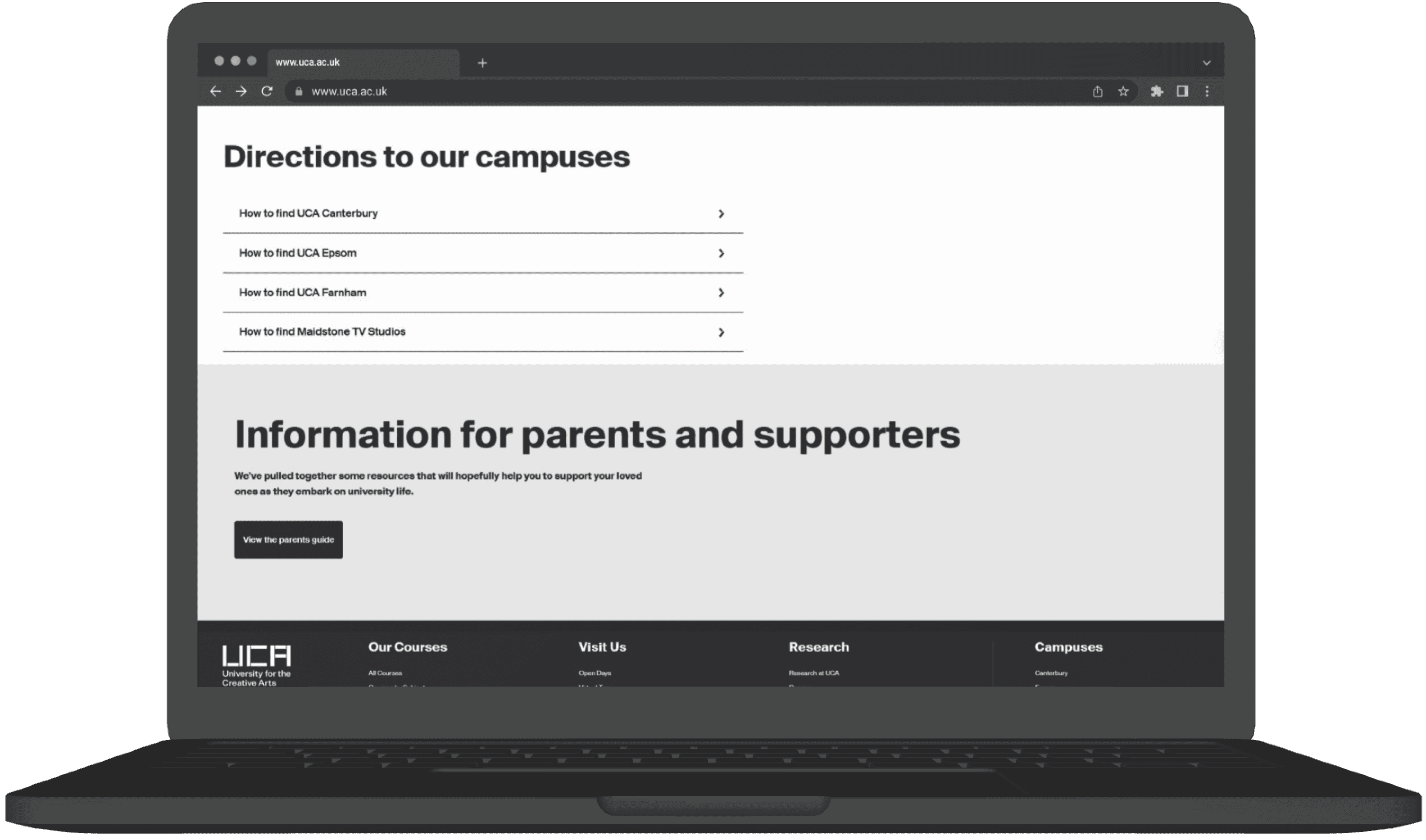


Low Visual Engagement
Entire section is plain text—no map previews or campus indicators.CTA Visibility Issue
“View the parents guide” button is small and lacks prominence.Scannability Issues
Users must read each line; no differentiation between campus types.Minimal Interaction
Each row looks identical; arrows are small and not clearly tappable.FAQs are buried under large sections rather than positioned contextually where users might need them.
Footer
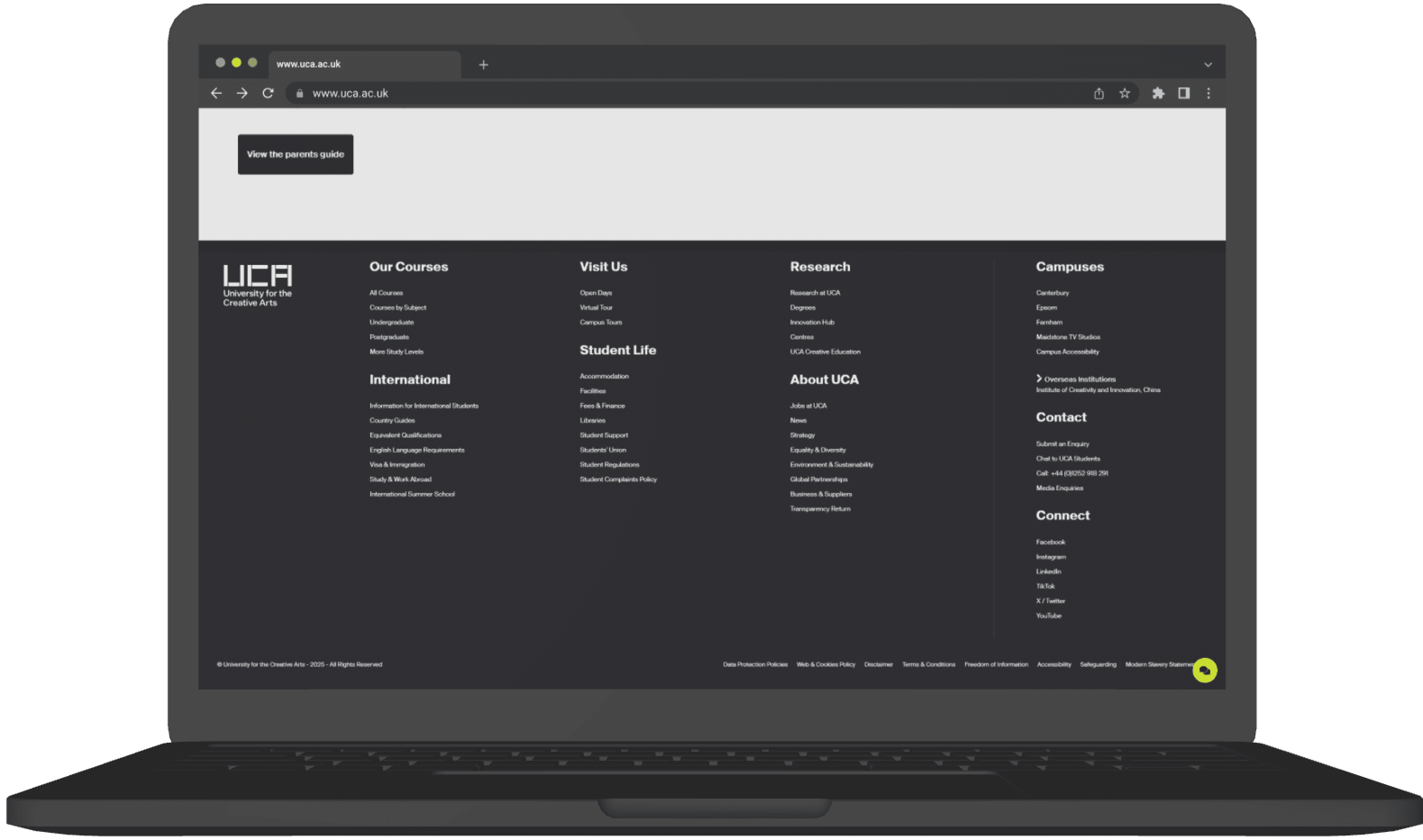


High density of links; overwhelming for users.
Poor grouping sections lack clear separation.
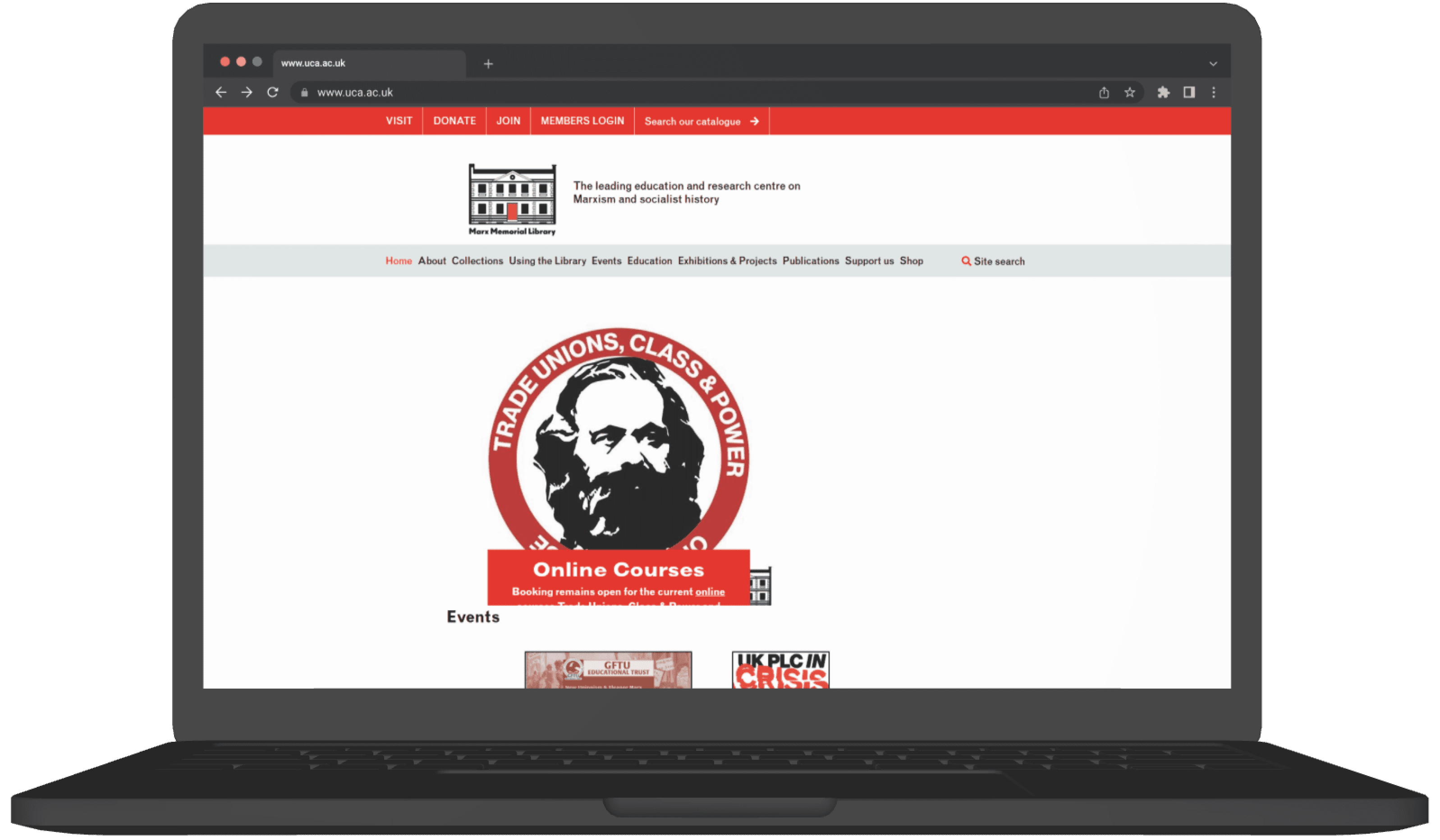




Overcrowded Header
Multiple stacked navigation bars make it hard to know where to start.Weak Visual Hierarchy
No clear headline; users don’t know the main purpose of the page at first glance.Too Much Empty Space
Large white gaps push important content downwardMisaligned Branding
The hero graphic style doesn’t match the logo or overall visual identity, causing inconsistency.No Clear Call-to-Action
The hero section doesn’t guide users toward actions like “Explore Archives” or “Visit Us.”Low Engagement Visuals
The hero image appears without context and doesn’t communicate what the library offers.Navigation Feels Disconnected
Top links (Visit, Donate, Join) feel isolated from the main menu, creating confusion.?
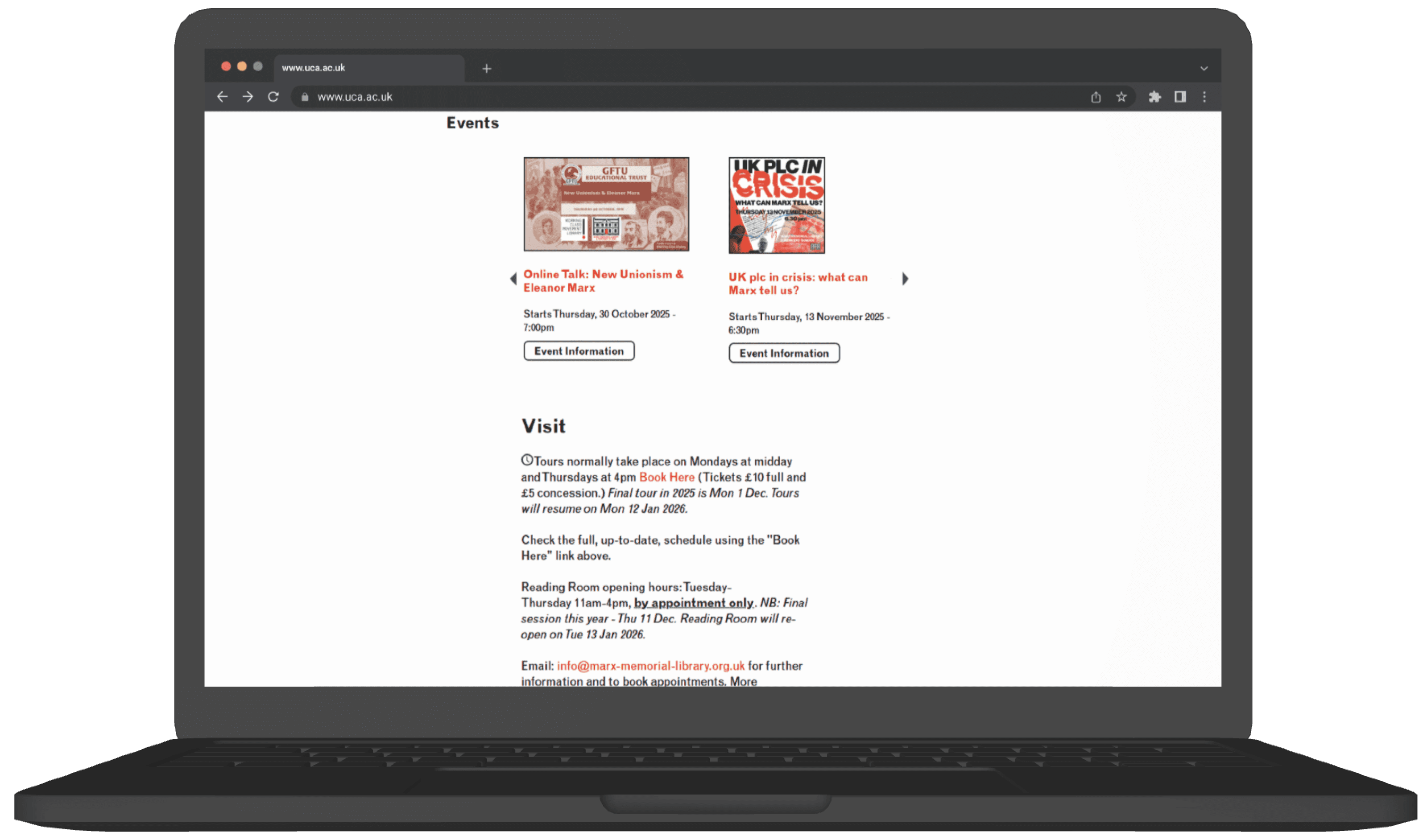

Low Visual Engagement
Event cards look small and visually disconnected from each other; no clear grouping or structure. Posters are too small to readUnclear Navigation Arrows
The left/right arrows appear far from the content and don’t visually signal that this is a carousel.Missing Context
No section description or preview text to explain what types of events MML offers.Overwhelming Text Block
Long paragraphs with no visual breaksLack of Structure
No clear grouping of information (e.g., Tours, Reading Room, Contact, Accessibility) everything blends together.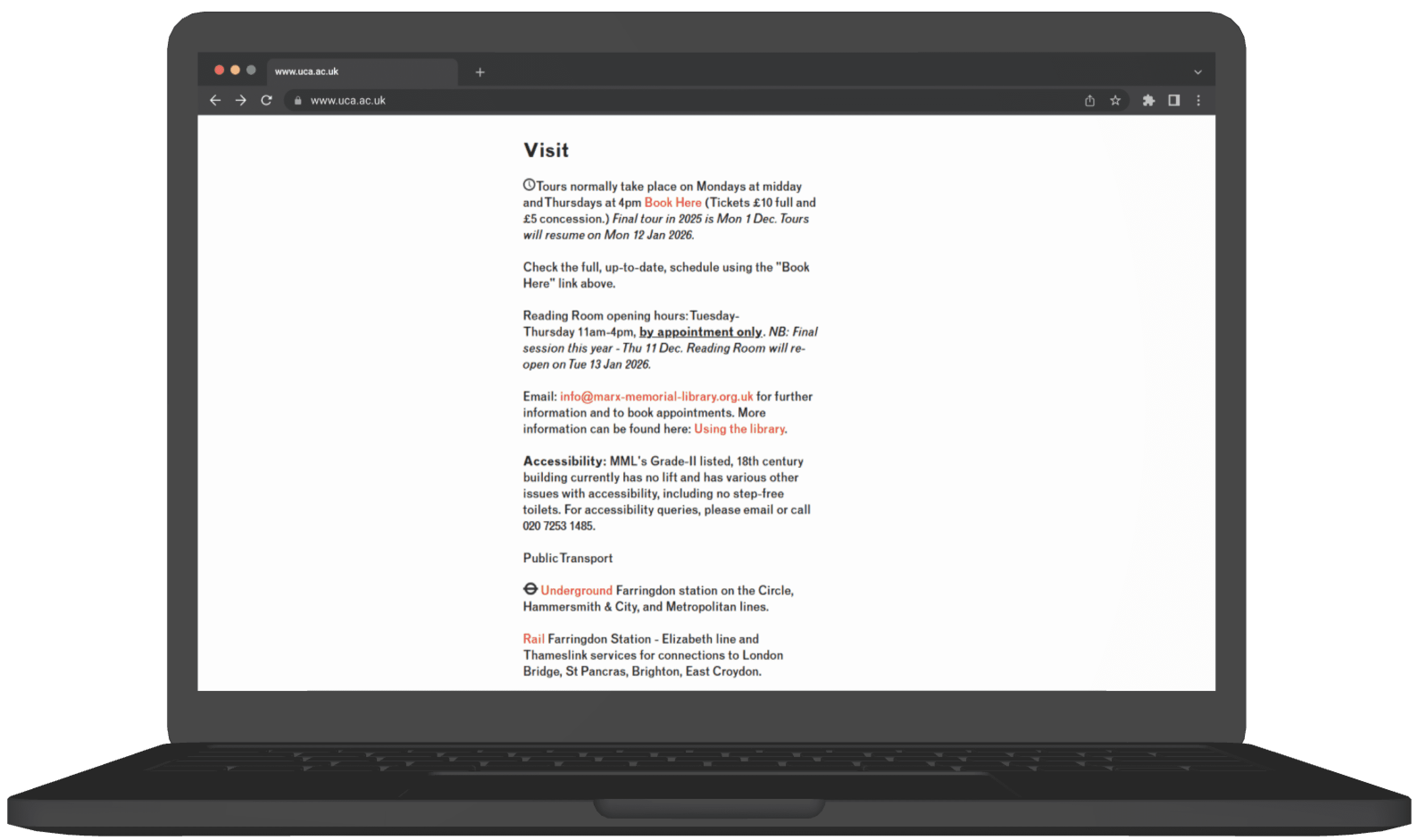


?
}
Weak Visual Hierarchy
All text looks similar in weight and spacing, so important info (hours, booking, accessibility) doesn’t stand out.Low Readability
Dense text, italics, and mixed formatting reduce clarity, especially for users skimming for practical details.Overwhelming Red Background
The heavy color block reduces readability and adds visual strain.Inefficient Use of Space
Large empty areas above and below the form make the layout feel unbalanced.Overwhelming Red Background
The heavy color block reduces readability and adds visual strain.Unclear CAPTCHA Placement
CAPTCHA text appears merged with form fields, causing confusion about the form flow.Low Visibility CTA
The “Sign up” button blends into the background and lacks prominence.No Icons or Visuals
Useful quick-scan elements like map pins, or accessibility icons are missing, making the page less user-friendly.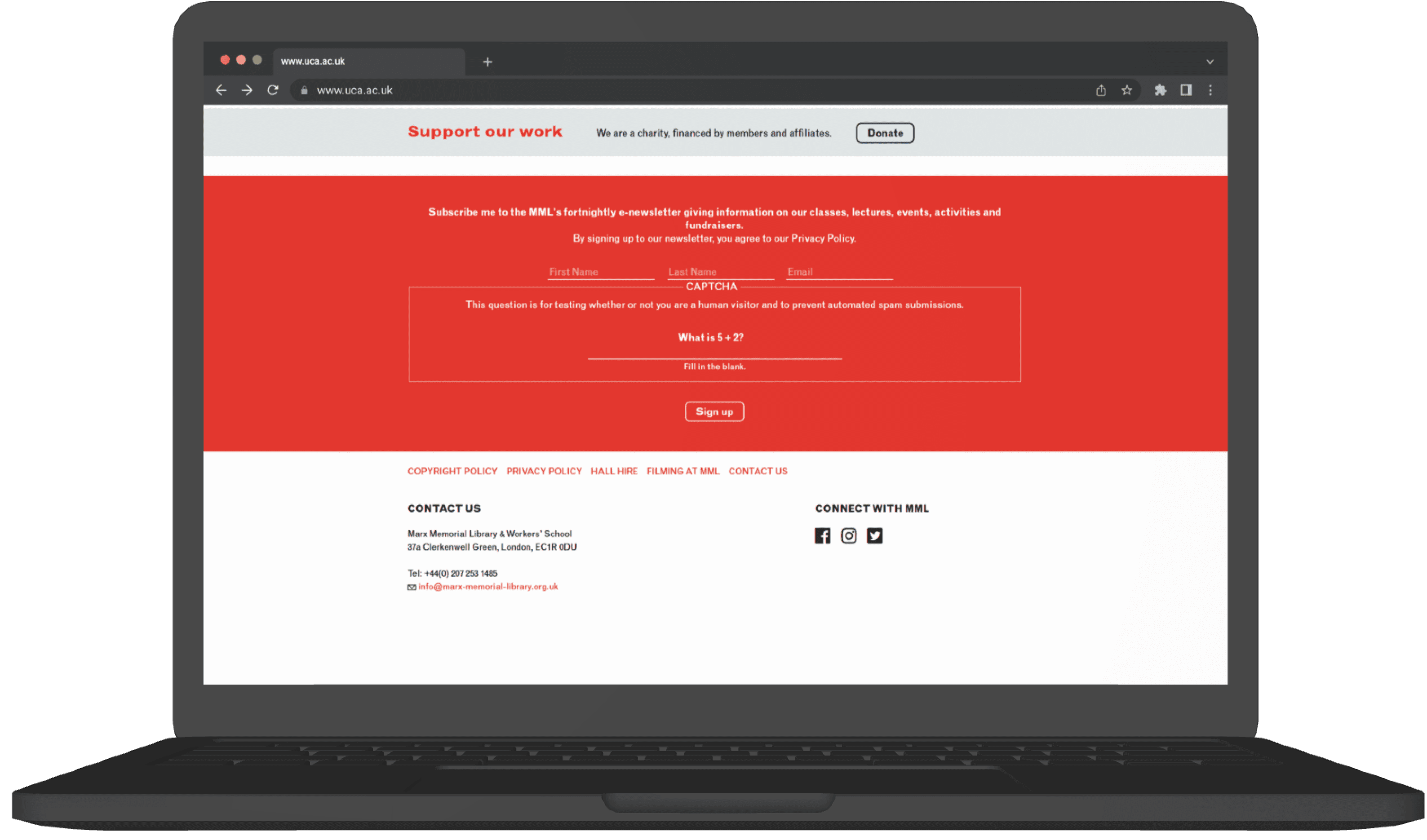




?

?


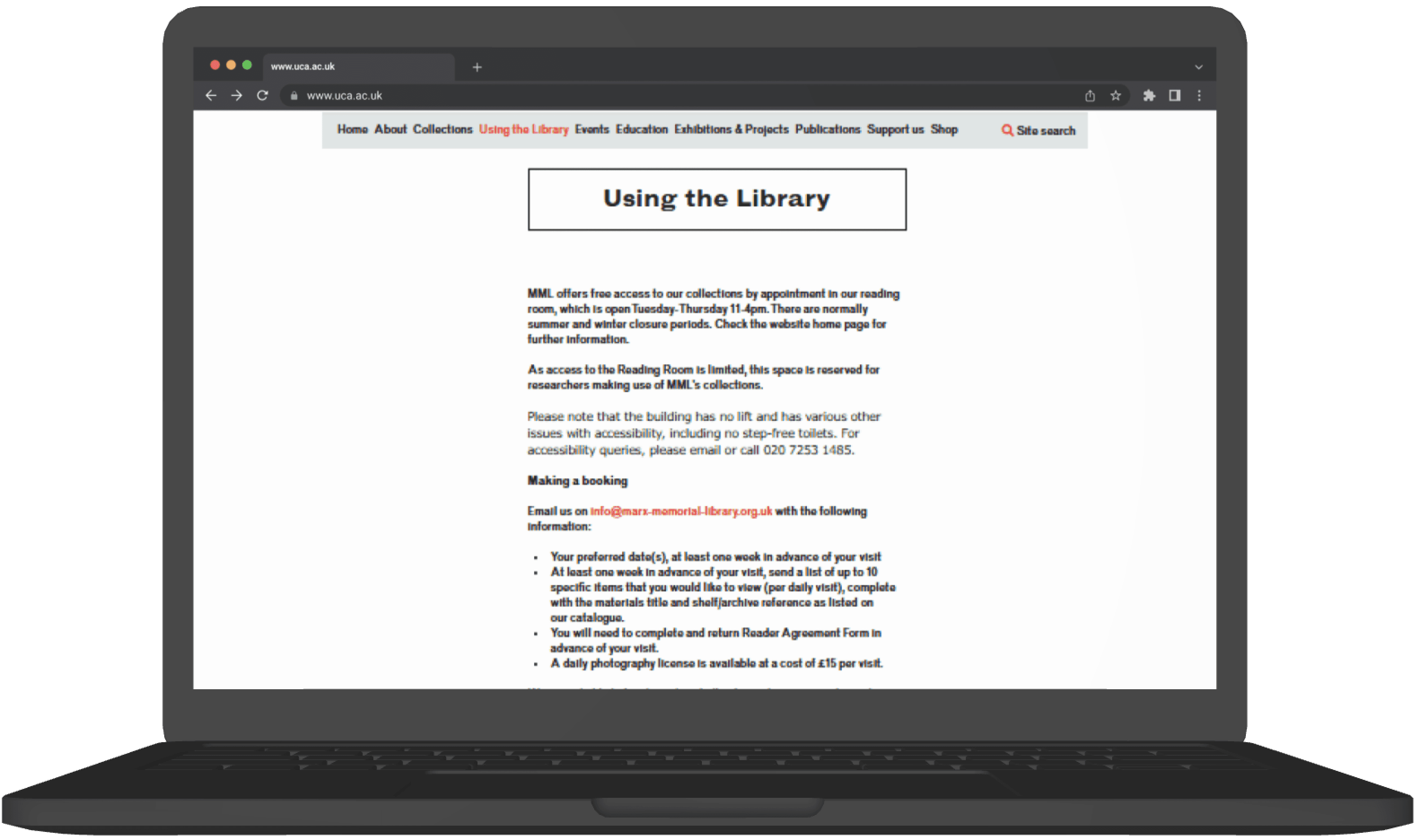
Dense, Unscannable Text
Long paragraphs without spacing or visual breaksPoor Layout Balance
Narrow column of text on the left creates a heavy imbalance, leaving empty space.Lack of Clear Grouping
Important topics (Booking, Copying, Enquiries, Workshops, Policies) are not visually separated, making navigation harder.Inconsistent Link Styling
Red text links appear scattered throughout without structureInconsistent Link Styling
Red text links appear scattered throughout without structure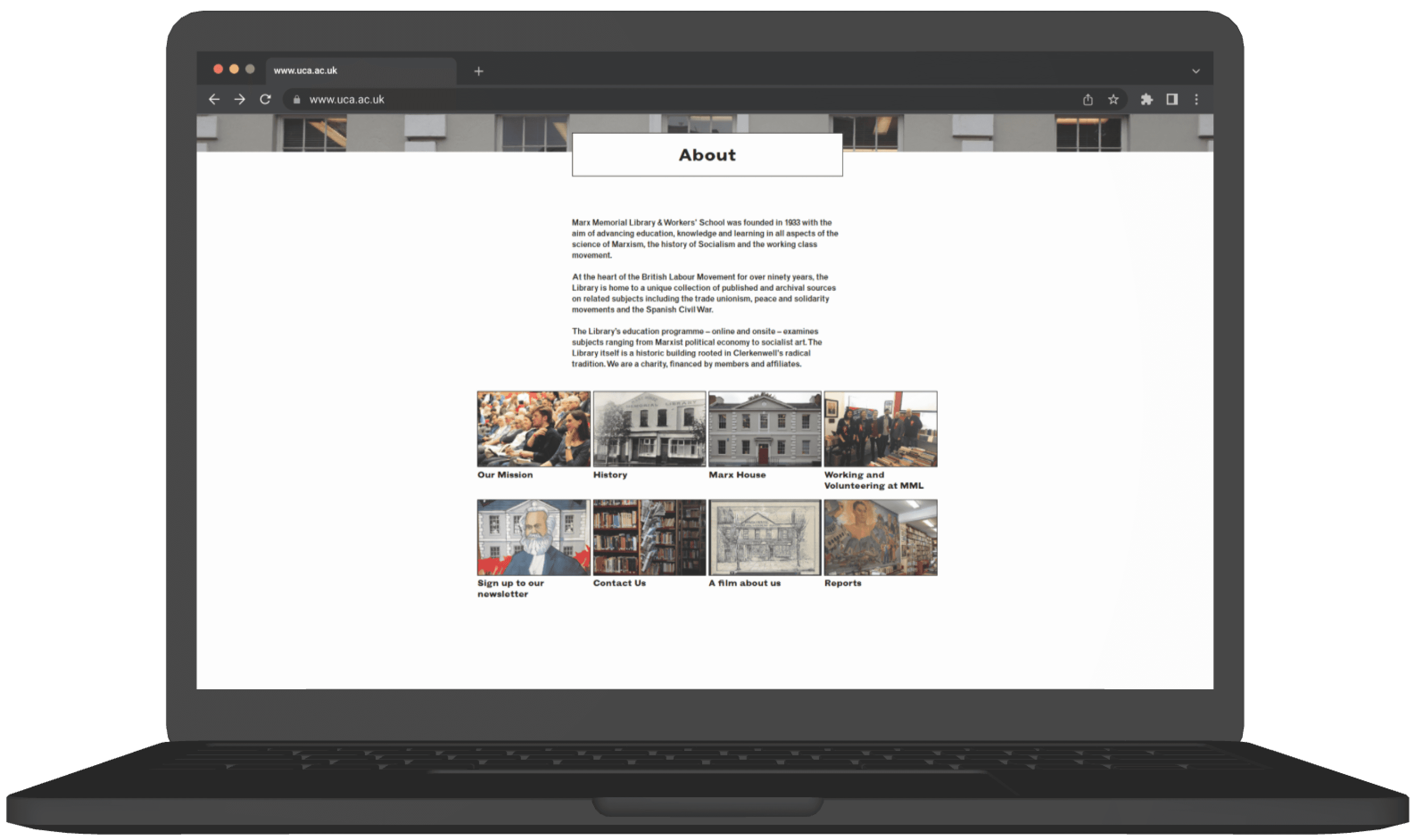
?
?
No Clear Content Structure
Missing Calls to Action
Accessibility Concerns
?
Weak Visual Hierarchy
Overwhelming Text Block
Unbalanced Layout
Inconsistent Alignment
Hero Section
Weak Visual Hierarchy
Headline and CTA blend into the backgroundPoor Readability
Text placed over a busy image reduces contrast and clarity.Unclear Primary Action
Button is not visually prominent
Inconsistent Alignment
Elements feel loosely placed
Generic
Hero photo doesn’t communicate Open Day information or context.
Accessibility Confusion
Accessibility toggle sits awkwardly near the menuBooking Section
Poor Use of Space
Large empty white space on the right creates imbalanceWeak Visual Hierarchy
The heading dominates, but the form fields and CTA don’t stand outLow Form Clarity
The dropdown and completion steps feel disconnected; users may not understand what to do first.Unclear CTA Priority
“Complete Booking” is smallCognitive Overload in Text Block
Long paragraphs before the form make the critical action harder to find quickly.Lack of Progress Indication
No steps or indicators show how far the user is in the booking process.?
The booking process involves multiple steps and redirections, increasing the chance of user errors.
Virtual Tours
Weak Visual Balance
Heavy image on the right and minimal text on the left creates imbalanceLow Text Visibility
Green background pattern reduces readabilityUnclear Information Hierarchy
The heading is clear, but body text is small and visually gets lost against the busy background.Weak CTA Visibility
Campus Tours
Excessive Text Block
Long paragraphs reduce readability
Weak Visual Structure
Large empty space on the right creates imbalance.
CTA Lacks Emphasis
“Book Your Tour Now” button is small relative to the space.
No Visual Hierarchy
All text looks similar; nothing guides user attention.
Upcoming Webinars
Crowded layout
Many cards displayed at once, causing visual overload.
Inconsistent spacing
Uneven card widths, margins, and text alignment.
Low hierarchy
Webinar titles and dates compete visually.
Poor grouping
Academic vs. general-interest webinars aren’t organized clearly.
Weak navigation controls Tiny arrows are hard to notice and use.
Chat to a student
CTA Lacks Emphasis
“Chat to a student” button doesn't stand out visually.
Spacing Imbalance
Heavy cluster of images vs. large empty space reduces visual balance.
Weak Content Hierarchy
Images overpower the heading and message.
Our campuses
Inefficient Use of Space
Large empty right side creates imbalanceNo Clear CTA
No direct action like “View Campus Tour”Weak Visual Hierarchy
Campus names and details lack contrastLow Information Clarity
?
Directions to our campuses
Low Visual Engagement
Entire section is plain text—no map previews or campus indicators.CTA Visibility Issue
“View the parents guide” button is small and lacks prominence.Scannability Issues
Users must read each line; no differentiation between campus types.Minimal Interaction
Each row looks identical; arrows are small and not clearly tappable.FAQs are buried under large sections rather than positioned contextually where users might need them.
Footer
High density of links; overwhelming for users.
Poor grouping sections lack clear separation.
Overcrowded Header
Multiple stacked navigation bars make it hard to know where to start.Weak Visual Hierarchy
No clear headline; users don’t know the main purpose of the page at first glance.Too Much Empty Space
Large white gaps push important content downwardMisaligned Branding
The hero graphic style doesn’t match the logo or overall visual identity, causing inconsistency.No Clear Call-to-Action
The hero section doesn’t guide users toward actions like “Explore Archives” or “Visit Us.”Low Engagement Visuals
The hero image appears without context and doesn’t communicate what the library offers.Navigation Feels Disconnected
Top links (Visit, Donate, Join) feel isolated from the main menu, creating confusion.?
Low Visual Engagement
Event cards look small and visually disconnected from each other; no clear grouping or structure. Posters are too small to readUnclear Navigation Arrows
The left/right arrows appear far from the content and don’t visually signal that this is a carousel.Missing Context
No section description or preview text to explain what types of events MML offers.Overwhelming Text Block
Long paragraphs with no visual breaksLack of Structure
No clear grouping of information (e.g., Tours, Reading Room, Contact, Accessibility) everything blends together.?
}
Weak Visual Hierarchy
All text looks similar in weight and spacing, so important info (hours, booking, accessibility) doesn’t stand out.Low Readability
Dense text, italics, and mixed formatting reduce clarity, especially for users skimming for practical details.Overwhelming Red Background
The heavy color block reduces readability and adds visual strain.Inefficient Use of Space
Large empty areas above and below the form make the layout feel unbalanced.Overwhelming Red Background
The heavy color block reduces readability and adds visual strain.Unclear CAPTCHA Placement
CAPTCHA text appears merged with form fields, causing confusion about the form flow.Low Visibility CTA
The “Sign up” button blends into the background and lacks prominence.No Icons or Visuals
Useful quick-scan elements like map pins, or accessibility icons are missing, making the page less user-friendly.?
?
Dense, Unscannable Text
Long paragraphs without spacing or visual breaksPoor Layout Balance
Narrow column of text on the left creates a heavy imbalance, leaving empty space.Lack of Clear Grouping
Important topics (Booking, Copying, Enquiries, Workshops, Policies) are not visually separated, making navigation harder.Inconsistent Link Styling
Red text links appear scattered throughout without structureInconsistent Link Styling
Red text links appear scattered throughout without structure?
?
No Clear Content Structure
Missing Calls to Action
Accessibility Concerns
?
Weak Visual Hierarchy
Overwhelming Text Block
Unbalanced Layout
Inconsistent Alignment
Hero Section
Weak Visual Hierarchy
Headline and CTA blend into the backgroundPoor Readability
Text placed over a busy image reduces contrast and clarity.Unclear Primary Action
Button is not visually prominent
Inconsistent Alignment
Elements feel loosely placed
Generic
Hero photo doesn’t communicate Open Day information or context.
Accessibility Confusion
Accessibility toggle sits awkwardly near the menuBooking Section
Poor Use of Space
Large empty white space on the right creates imbalanceWeak Visual Hierarchy
The heading dominates, but the form fields and CTA don’t stand outLow Form Clarity
The dropdown and completion steps feel disconnected; users may not understand what to do first.Unclear CTA Priority
“Complete Booking” is smallCognitive Overload in Text Block
Long paragraphs before the form make the critical action harder to find quickly.Lack of Progress Indication
No steps or indicators show how far the user is in the booking process.?
The booking process involves multiple steps and redirections, increasing the chance of user errors.
Virtual Tours
Weak Visual Balance
Heavy image on the right and minimal text on the left creates imbalanceLow Text Visibility
Green background pattern reduces readabilityUnclear Information Hierarchy
The heading is clear, but body text is small and visually gets lost against the busy background.Weak CTA Visibility
Campus Tours
Excessive Text Block
Long paragraphs reduce readability
Weak Visual Structure
Large empty space on the right creates imbalance.
CTA Lacks Emphasis
“Book Your Tour Now” button is small relative to the space.
No Visual Hierarchy
All text looks similar; nothing guides user attention.
Upcoming Webinars
Crowded layout
Many cards displayed at once, causing visual overload.
Inconsistent spacing
Uneven card widths, margins, and text alignment.
Low hierarchy
Webinar titles and dates compete visually.
Poor grouping
Academic vs. general-interest webinars aren’t organized clearly.
Weak navigation controls Tiny arrows are hard to notice and use.
Chat to a student
CTA Lacks Emphasis
“Chat to a student” button doesn't stand out visually.
Spacing Imbalance
Heavy cluster of images vs. large empty space reduces visual balance.
Weak Content Hierarchy
Images overpower the heading and message.
Our campuses
Inefficient Use of Space
Large empty right side creates imbalanceNo Clear CTA
No direct action like “View Campus Tour”Weak Visual Hierarchy
Campus names and details lack contrastLow Information Clarity
?
Directions to our campuses
Low Visual Engagement
Entire section is plain text—no map previews or campus indicators.CTA Visibility Issue
“View the parents guide” button is small and lacks prominence.Scannability Issues
Users must read each line; no differentiation between campus types.Minimal Interaction
Each row looks identical; arrows are small and not clearly tappable.FAQs are buried under large sections rather than positioned contextually where users might need them.
Footer
High density of links; overwhelming for users.
Poor grouping sections lack clear separation.
Overcrowded Header
Multiple stacked navigation bars make it hard to know where to start.Weak Visual Hierarchy
No clear headline; users don’t know the main purpose of the page at first glance.Too Much Empty Space
Large white gaps push important content downwardMisaligned Branding
The hero graphic style doesn’t match the logo or overall visual identity, causing inconsistency.No Clear Call-to-Action
The hero section doesn’t guide users toward actions like “Explore Archives” or “Visit Us.”Low Engagement Visuals
The hero image appears without context and doesn’t communicate what the library offers.Navigation Feels Disconnected
Top links (Visit, Donate, Join) feel isolated from the main menu, creating confusion.?
Low Visual Engagement
Event cards look small and visually disconnected from each other; no clear grouping or structure. Posters are too small to readUnclear Navigation Arrows
The left/right arrows appear far from the content and don’t visually signal that this is a carousel.Missing Context
No section description or preview text to explain what types of events MML offers.Overwhelming Text Block
Long paragraphs with no visual breaksLack of Structure
No clear grouping of information (e.g., Tours, Reading Room, Contact, Accessibility) everything blends together.?
}
Weak Visual Hierarchy
All text looks similar in weight and spacing, so important info (hours, booking, accessibility) doesn’t stand out.Low Readability
Dense text, italics, and mixed formatting reduce clarity, especially for users skimming for practical details.Overwhelming Red Background
The heavy color block reduces readability and adds visual strain.Inefficient Use of Space
Large empty areas above and below the form make the layout feel unbalanced.Overwhelming Red Background
The heavy color block reduces readability and adds visual strain.Unclear CAPTCHA Placement
CAPTCHA text appears merged with form fields, causing confusion about the form flow.Low Visibility CTA
The “Sign up” button blends into the background and lacks prominence.No Icons or Visuals
Useful quick-scan elements like map pins, or accessibility icons are missing, making the page less user-friendly.?
?
Dense, Unscannable Text
Long paragraphs without spacing or visual breaksPoor Layout Balance
Narrow column of text on the left creates a heavy imbalance, leaving empty space.Lack of Clear Grouping
Important topics (Booking, Copying, Enquiries, Workshops, Policies) are not visually separated, making navigation harder.Inconsistent Link Styling
Red text links appear scattered throughout without structureInconsistent Link Styling
Red text links appear scattered throughout without structure?
?
No Clear Content Structure
Missing Calls to Action
Accessibility Concerns
?
Weak Visual Hierarchy
Overwhelming Text Block
Unbalanced Layout
Inconsistent Alignment
Hero Section
Weak Visual Hierarchy
Headline and CTA blend into the backgroundPoor Readability
Text placed over a busy image reduces contrast and clarity.Unclear Primary Action
Button is not visually prominent
Inconsistent Alignment
Elements feel loosely placed
Generic
Hero photo doesn’t communicate Open Day information or context.
Accessibility Confusion
Accessibility toggle sits awkwardly near the menuBooking Section
Poor Use of Space
Large empty white space on the right creates imbalanceWeak Visual Hierarchy
The heading dominates, but the form fields and CTA don’t stand outLow Form Clarity
The dropdown and completion steps feel disconnected; users may not understand what to do first.Unclear CTA Priority
“Complete Booking” is smallCognitive Overload in Text Block
Long paragraphs before the form make the critical action harder to find quickly.Lack of Progress Indication
No steps or indicators show how far the user is in the booking process.?
The booking process involves multiple steps and redirections, increasing the chance of user errors.
Virtual Tours
Weak Visual Balance
Heavy image on the right and minimal text on the left creates imbalanceLow Text Visibility
Green background pattern reduces readabilityUnclear Information Hierarchy
The heading is clear, but body text is small and visually gets lost against the busy background.Weak CTA Visibility
Campus Tours
Excessive Text Block
Long paragraphs reduce readability
Weak Visual Structure
Large empty space on the right creates imbalance.
CTA Lacks Emphasis
“Book Your Tour Now” button is small relative to the space.
No Visual Hierarchy
All text looks similar; nothing guides user attention.
Upcoming Webinars
Crowded layout
Many cards displayed at once, causing visual overload.
Inconsistent spacing
Uneven card widths, margins, and text alignment.
Low hierarchy
Webinar titles and dates compete visually.
Poor grouping
Academic vs. general-interest webinars aren’t organized clearly.
Weak navigation controls Tiny arrows are hard to notice and use.
Chat to a student
CTA Lacks Emphasis
“Chat to a student” button doesn't stand out visually.
Spacing Imbalance
Heavy cluster of images vs. large empty space reduces visual balance.
Weak Content Hierarchy
Images overpower the heading and message.
Our campuses
Inefficient Use of Space
Large empty right side creates imbalanceNo Clear CTA
No direct action like “View Campus Tour”Weak Visual Hierarchy
Campus names and details lack contrastLow Information Clarity
?
Directions to our campuses
Low Visual Engagement
Entire section is plain text—no map previews or campus indicators.CTA Visibility Issue
“View the parents guide” button is small and lacks prominence.Scannability Issues
Users must read each line; no differentiation between campus types.Minimal Interaction
Each row looks identical; arrows are small and not clearly tappable.FAQs are buried under large sections rather than positioned contextually where users might need them.
Footer
High density of links; overwhelming for users.
Poor grouping sections lack clear separation.
Overcrowded Header
Multiple stacked navigation bars make it hard to know where to start.Weak Visual Hierarchy
No clear headline; users don’t know the main purpose of the page at first glance.Too Much Empty Space
Large white gaps push important content downwardMisaligned Branding
The hero graphic style doesn’t match the logo or overall visual identity, causing inconsistency.No Clear Call-to-Action
The hero section doesn’t guide users toward actions like “Explore Archives” or “Visit Us.”Low Engagement Visuals
The hero image appears without context and doesn’t communicate what the library offers.Navigation Feels Disconnected
Top links (Visit, Donate, Join) feel isolated from the main menu, creating confusion.?
Low Visual Engagement
Event cards look small and visually disconnected from each other; no clear grouping or structure. Posters are too small to readUnclear Navigation Arrows
The left/right arrows appear far from the content and don’t visually signal that this is a carousel.Missing Context
No section description or preview text to explain what types of events MML offers.Overwhelming Text Block
Long paragraphs with no visual breaksLack of Structure
No clear grouping of information (e.g., Tours, Reading Room, Contact, Accessibility) everything blends together.?
}
Weak Visual Hierarchy
All text looks similar in weight and spacing, so important info (hours, booking, accessibility) doesn’t stand out.Low Readability
Dense text, italics, and mixed formatting reduce clarity, especially for users skimming for practical details.Overwhelming Red Background
The heavy color block reduces readability and adds visual strain.Inefficient Use of Space
Large empty areas above and below the form make the layout feel unbalanced.Overwhelming Red Background
The heavy color block reduces readability and adds visual strain.Unclear CAPTCHA Placement
CAPTCHA text appears merged with form fields, causing confusion about the form flow.Low Visibility CTA
The “Sign up” button blends into the background and lacks prominence.No Icons or Visuals
Useful quick-scan elements like map pins, or accessibility icons are missing, making the page less user-friendly.?
?
Dense, Unscannable Text
Long paragraphs without spacing or visual breaksPoor Layout Balance
Narrow column of text on the left creates a heavy imbalance, leaving empty space.Lack of Clear Grouping
Important topics (Booking, Copying, Enquiries, Workshops, Policies) are not visually separated, making navigation harder.Inconsistent Link Styling
Red text links appear scattered throughout without structureInconsistent Link Styling
Red text links appear scattered throughout without structure?
?
No Clear Content Structure
Missing Calls to Action
Accessibility Concerns
?
Weak Visual Hierarchy
Overwhelming Text Block
Unbalanced Layout
Inconsistent Alignment
UX Audit Key Findings
Here is a short visualization of the key usability issues I identified during my audit of existing websites.
Unheard voices of their counter archives.
Accessibility, online archives and lack of visibility of the building.
Lack of participatory element in how archives are created, shared, and experienced.
Lack a distinct visual identity that reflects the archive's character.
Irregular display of archives in the library and physical space.
The space is cluttered and not utilized properly.
Zero social media engagement around the archive and its activities.
The website is not organized and is displeasing to the eyes.
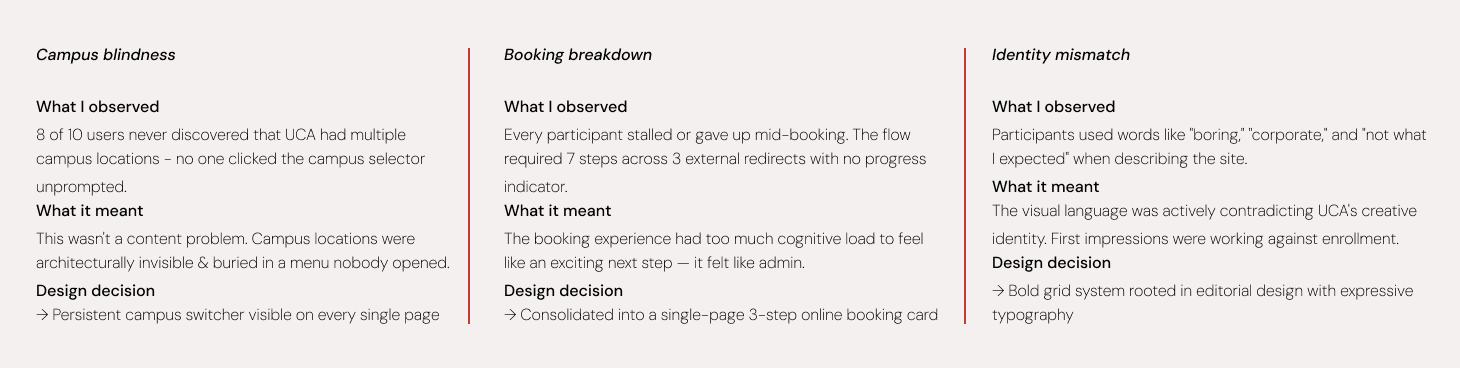
With three clear problem areas identified, I restructured the information architecture around what users actually came to do.
Priority order: course discovery → campus exploration → visit booking.

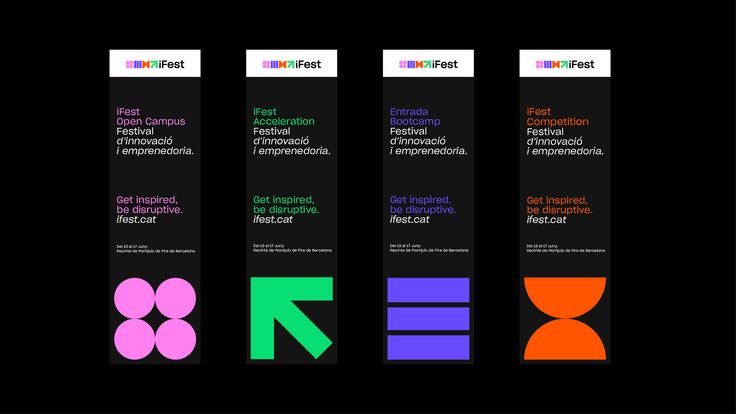
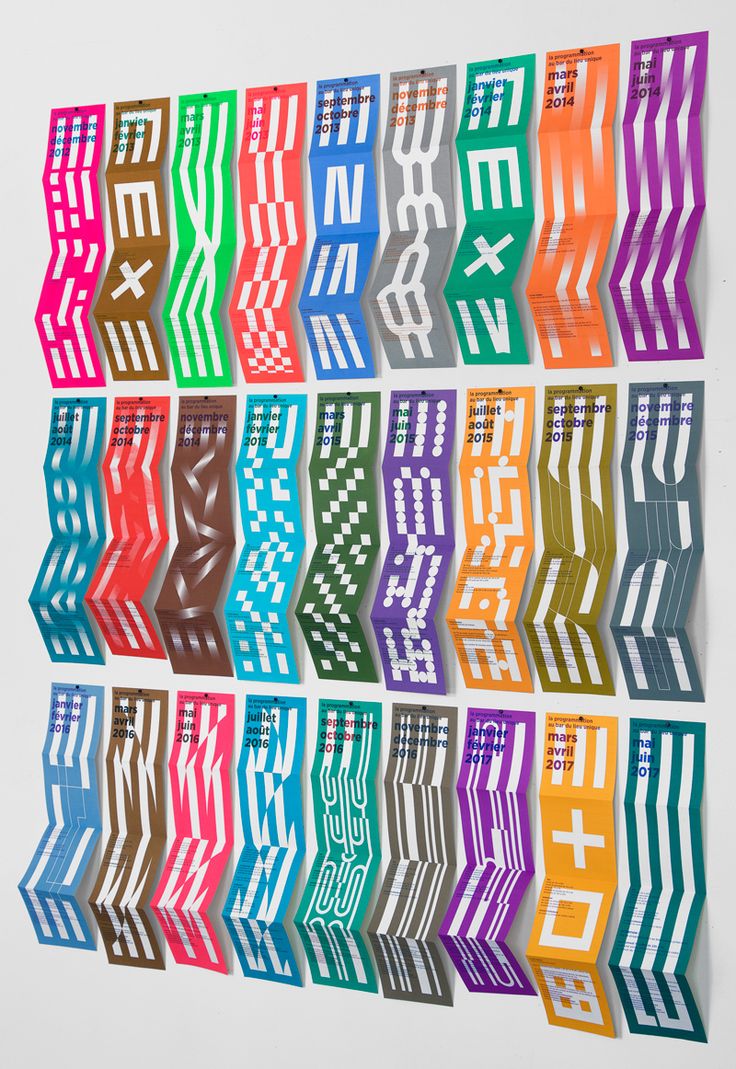
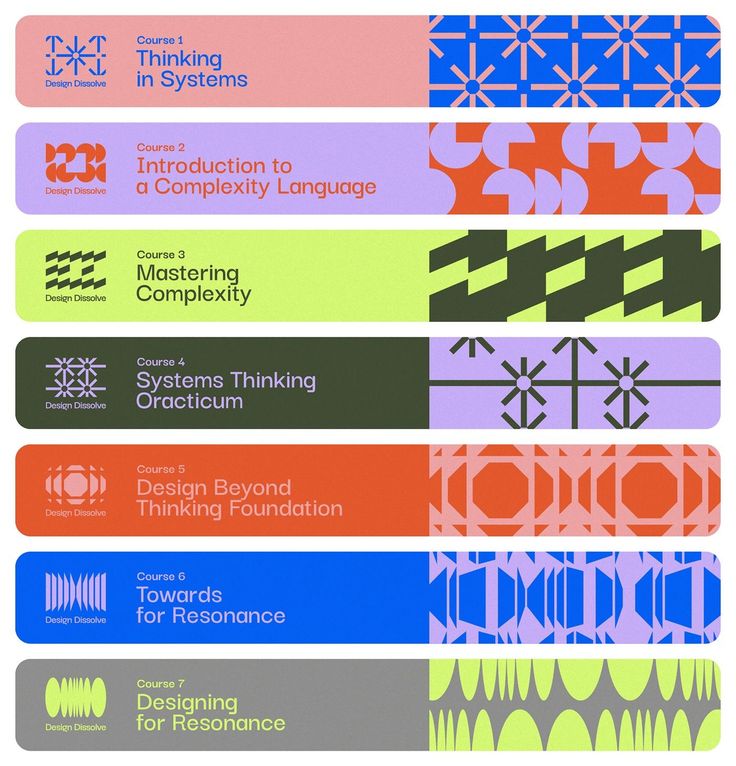
Moodboard
We explored a range of themes, from minimalistic to playful, to identify a style that best represents UCA's identity. This process ensured a balance between creativity and functionality, aligning the design with the university's unique character and appeal.
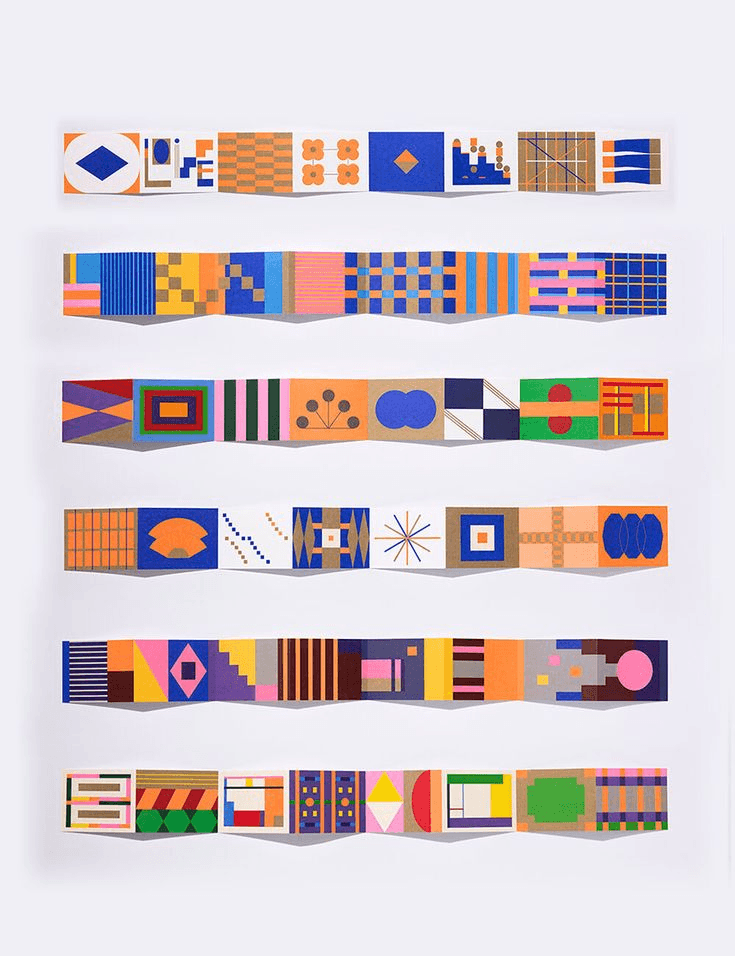
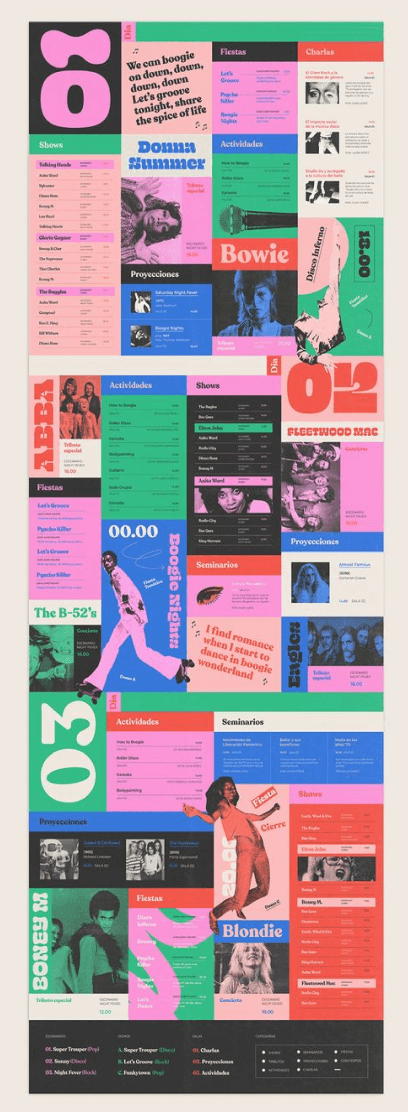
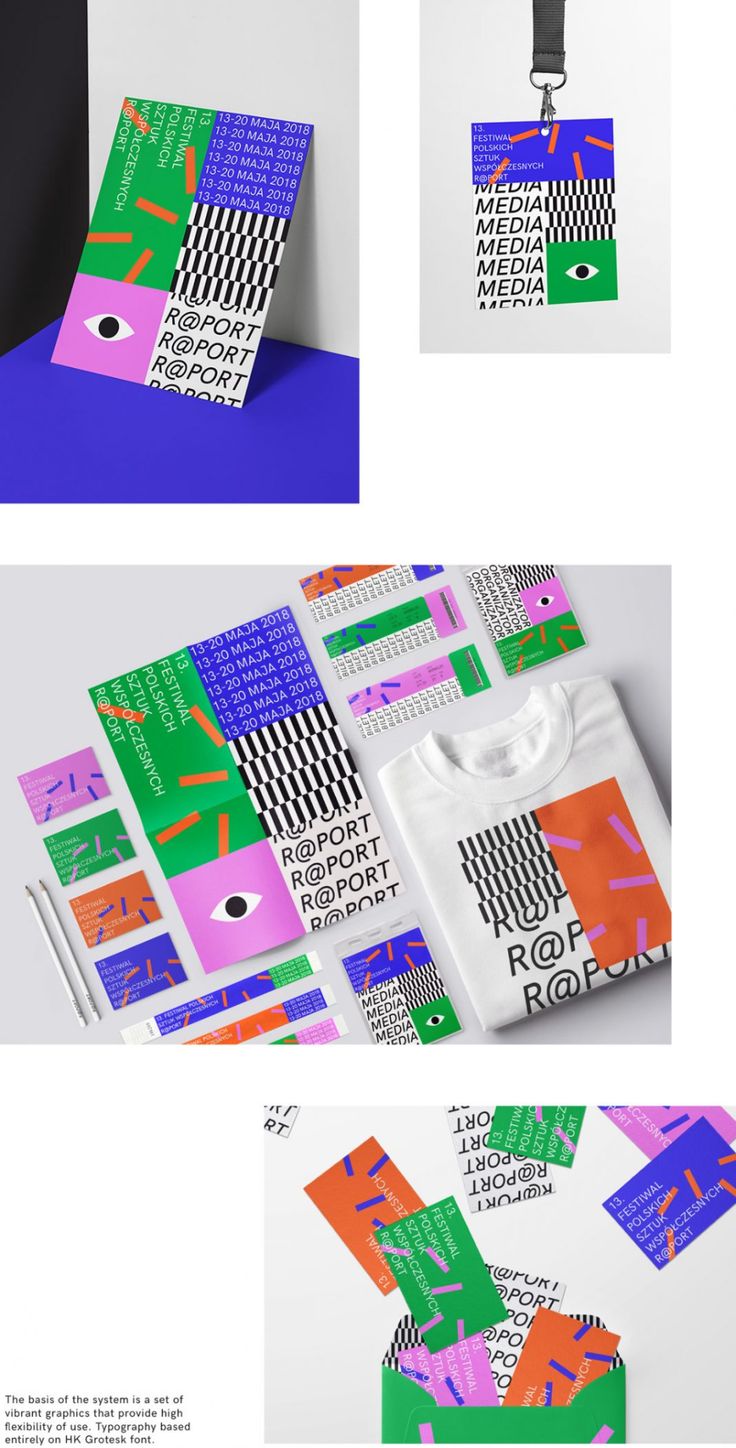
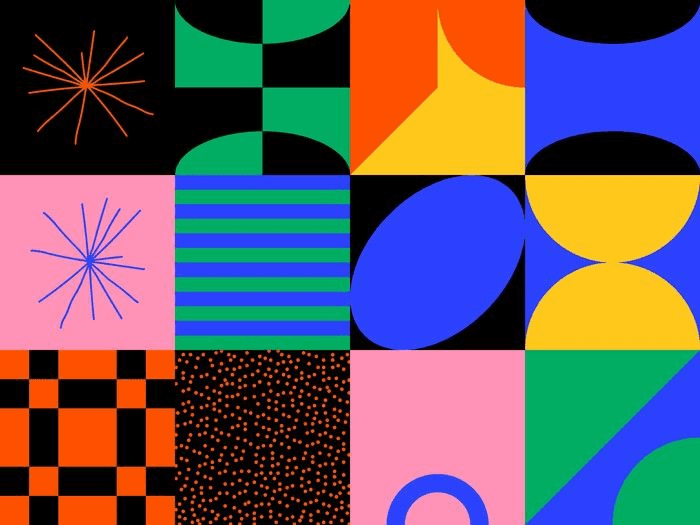
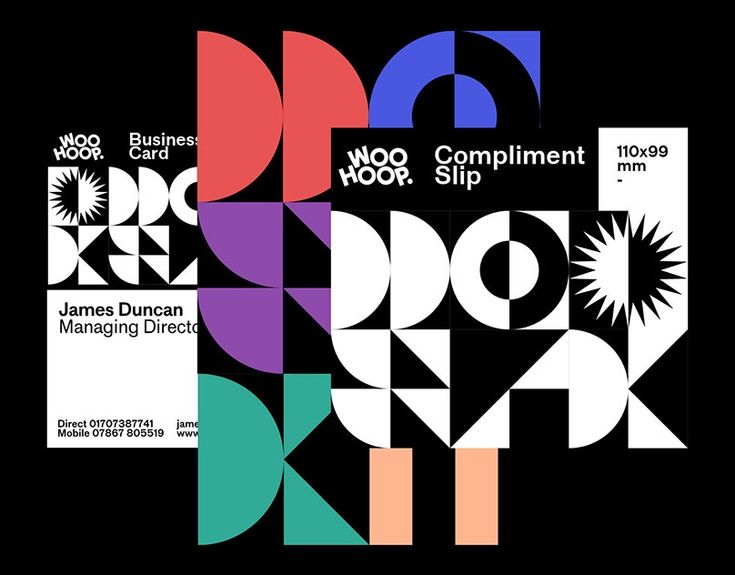
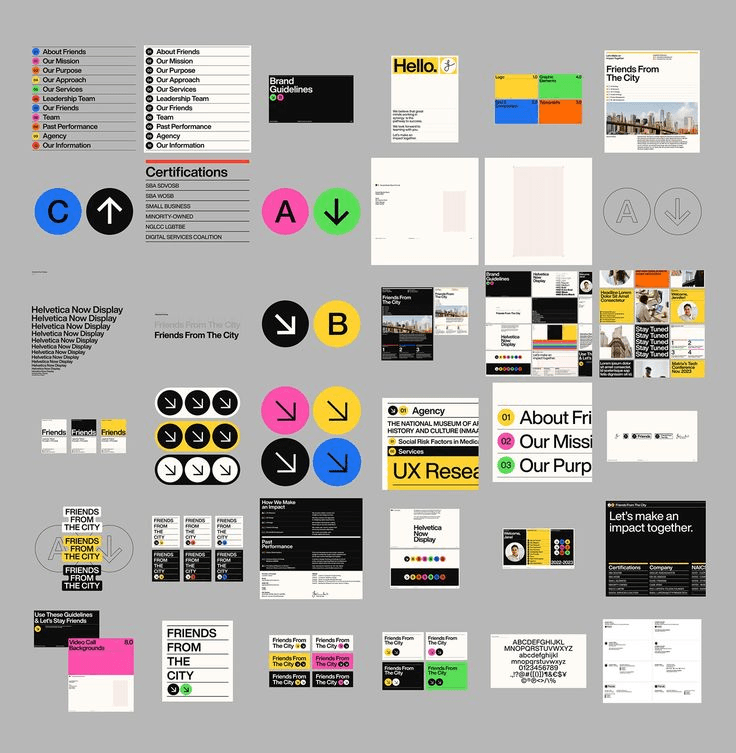
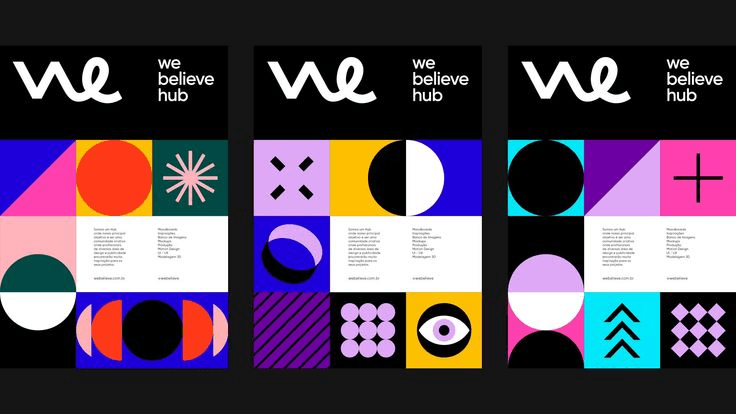
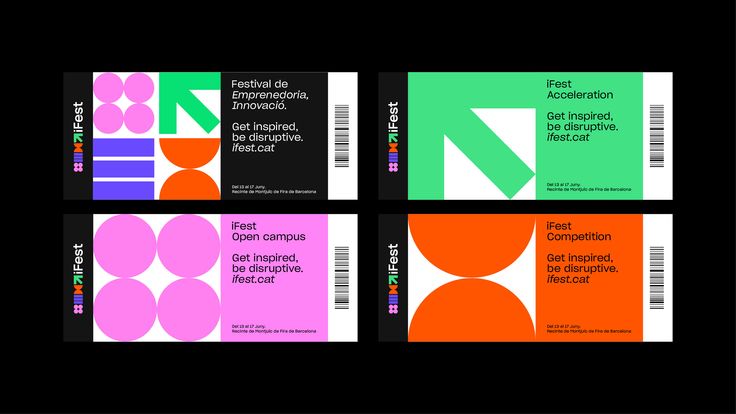
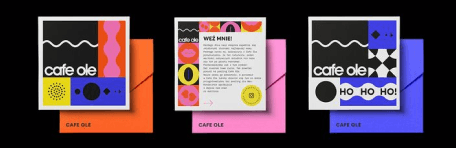
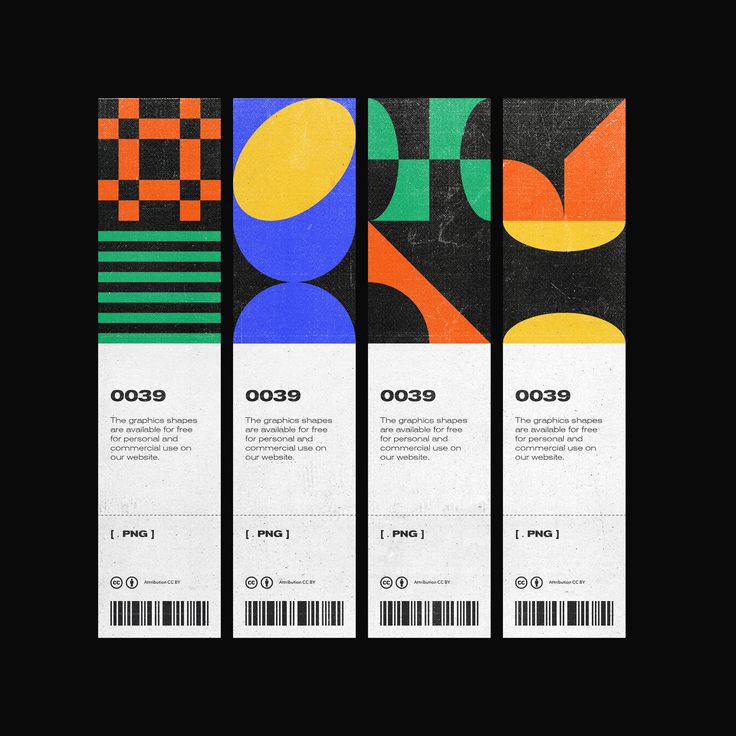
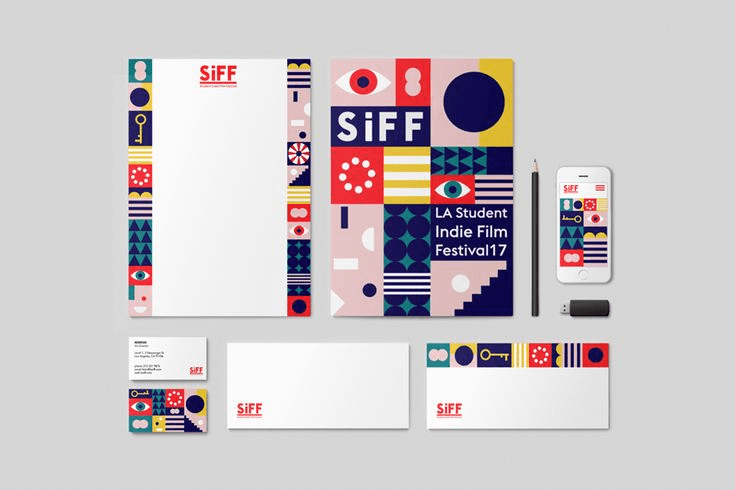
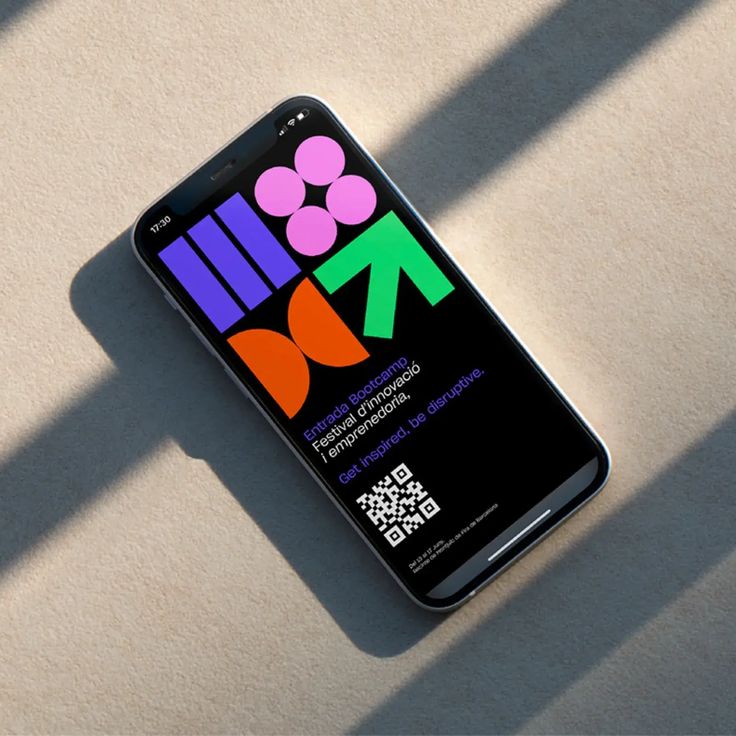
Branding
We finalized a playful theme with bright colors, as it best captures UGA's vibrant and creative identity, reflecting the university's essence. This theme not only aligns with UCA’s dynamic and artistic spirit but also ensures an engaging and visually appealing experience for users.
After exploring 8-10 fonts and discussing their emotional impact, we finalized BD Supper for headings and Space Grotesk for body text. These fonts, with their varied heights and weights, create a clear hierarchy while perfectly captures UCA's structured yet creative essence.
Typography
Space Grotesk
(Body)
BD Supper
(Heading)
CAMPUS TOUR
If you want to visit one of our campuses but aren't able to make it to an Open Day you be interested in one of our guided campus tours.
Colours
Darker Accents
Lighter Accents
Primary Colors
Neutral Colors
Imaginative
Discovery
Future focused
Experimental
Infinity
Icons
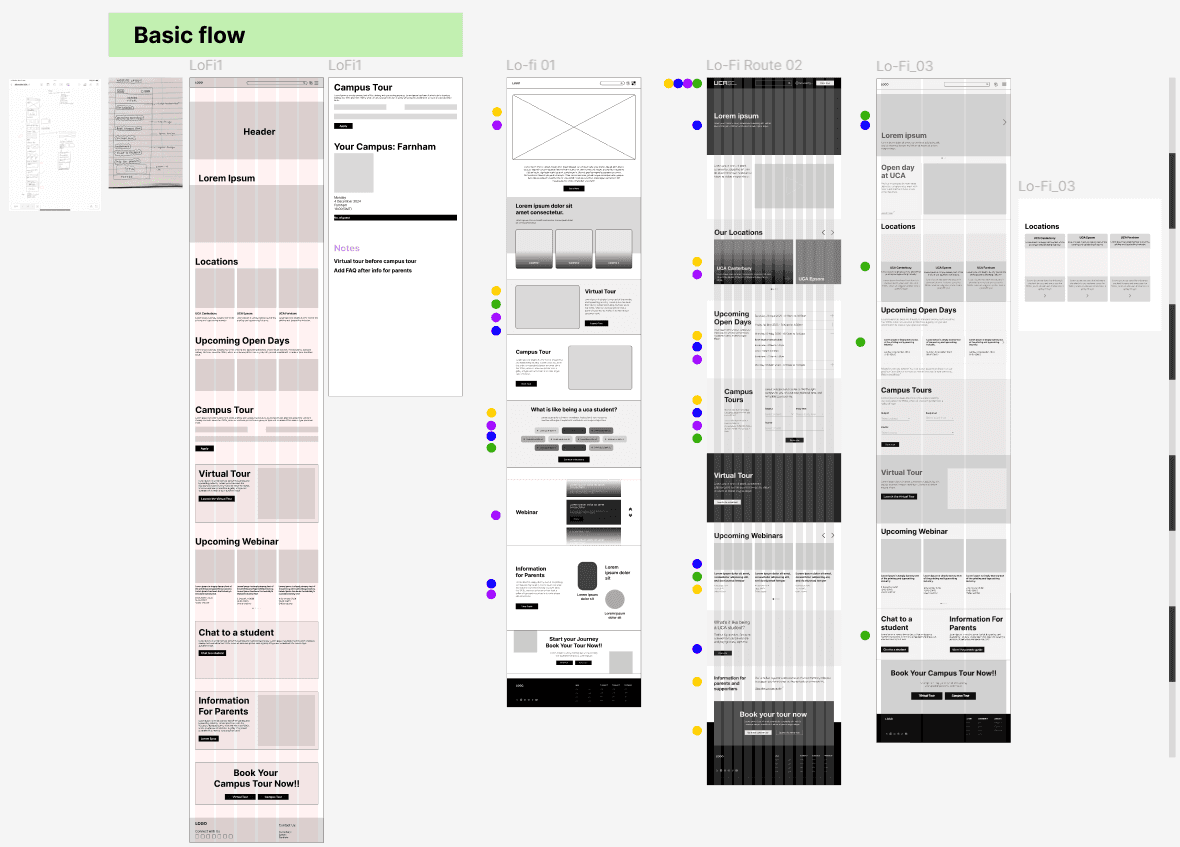
Lo-fi Options
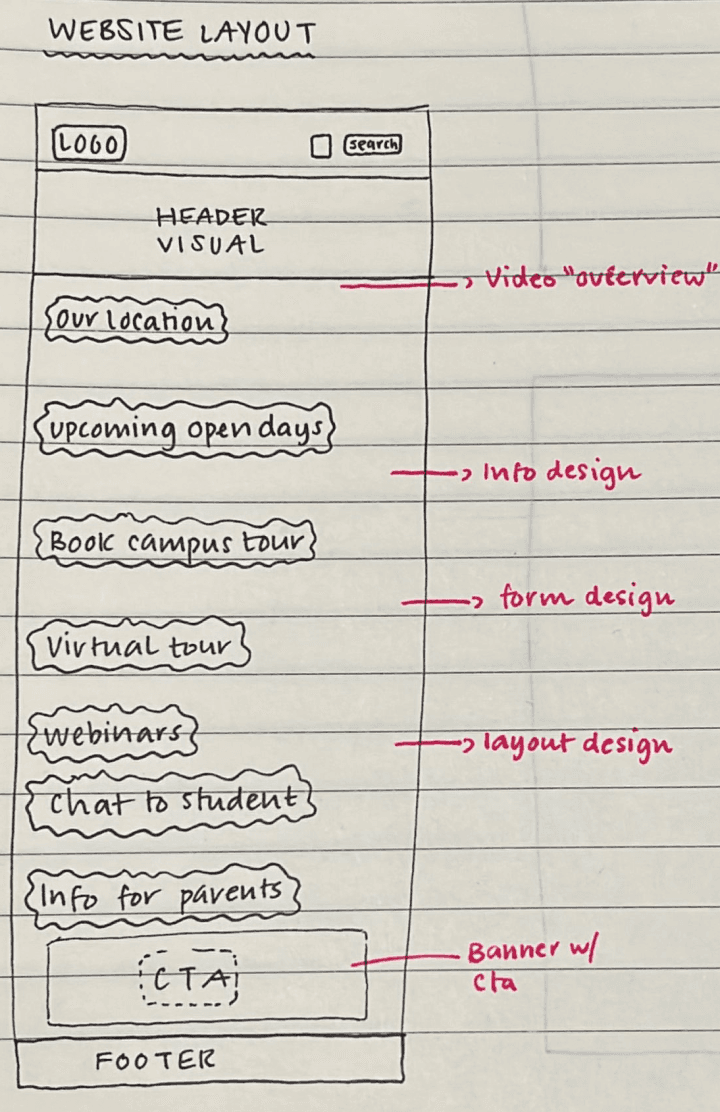
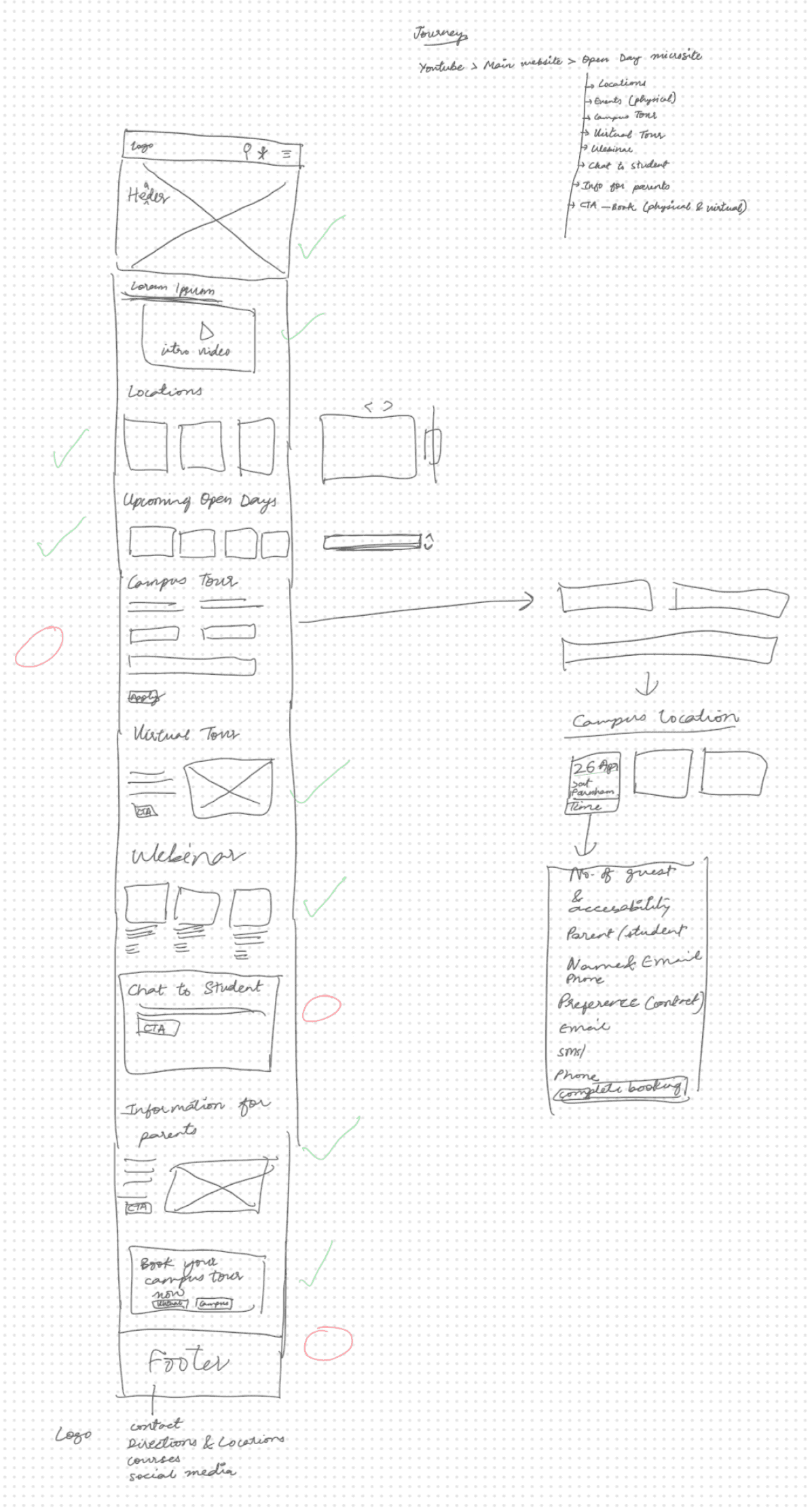
Created three distinct lo-fi directions, each organizing the same content differently testing whether users responded better to a list-based layout, a grid-based layout, or a card-based layout.
Testing with students revealed a clear winner and two key iterations:
What worked - the grid layout was immediately scannable. All three users found course information faster than in the other two options.
What didn't - 2 of 3 users still couldn't complete the booking flow in round one. The CTA wasn't prominent enough and the steps felt disconnected.
What changed - I moved the booking CTA above the fold, reduced visible steps from 5 to 3, and added a progress indicator. In round two, all three users completed the booking without prompting.
User Testing
We tested our Open Day prototype with three students to gather real-time feedback on clarity, navigation pattern, and overall usability. Their insights helped us identify what worked well and where improvements were needed. Overall, the feedback was positive, and the small changes made the design feel more intuitive, clear, and easier to use.

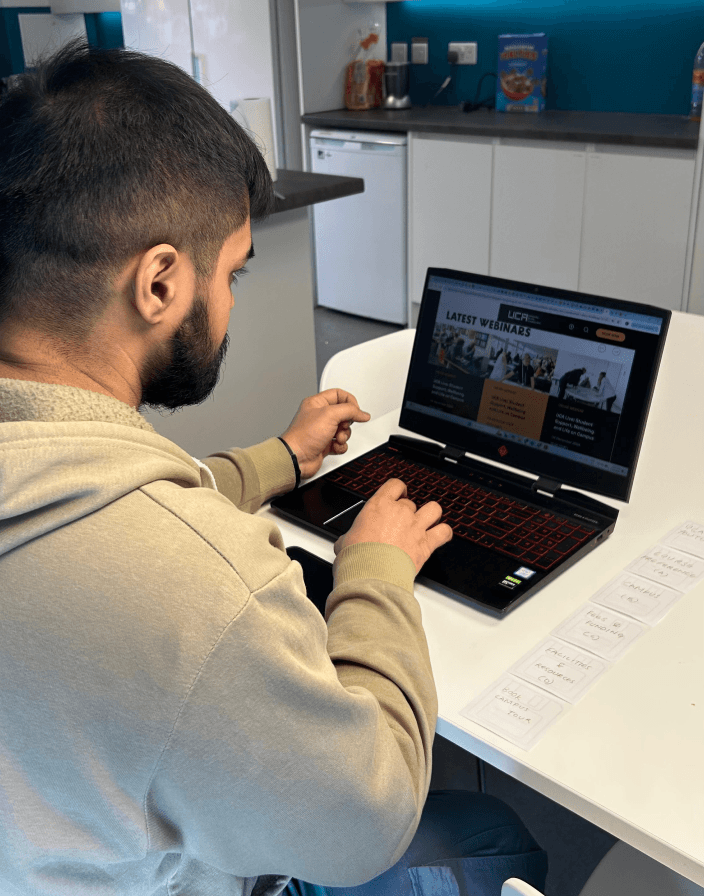
User 1
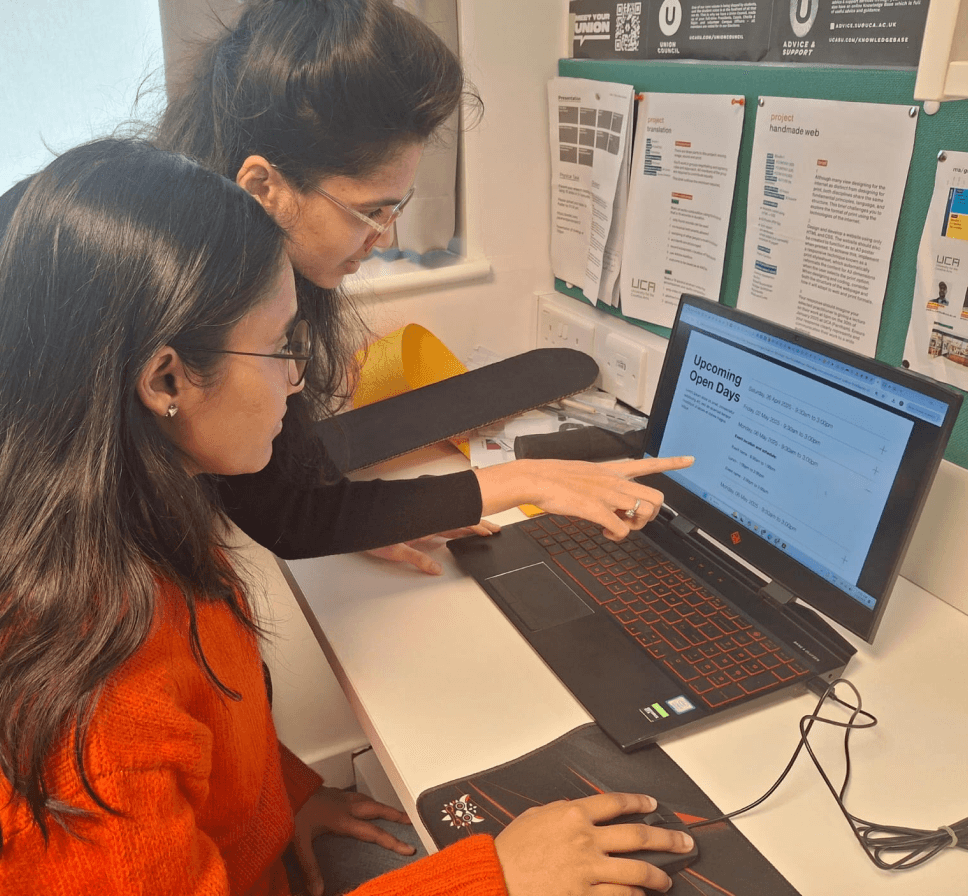
User 2
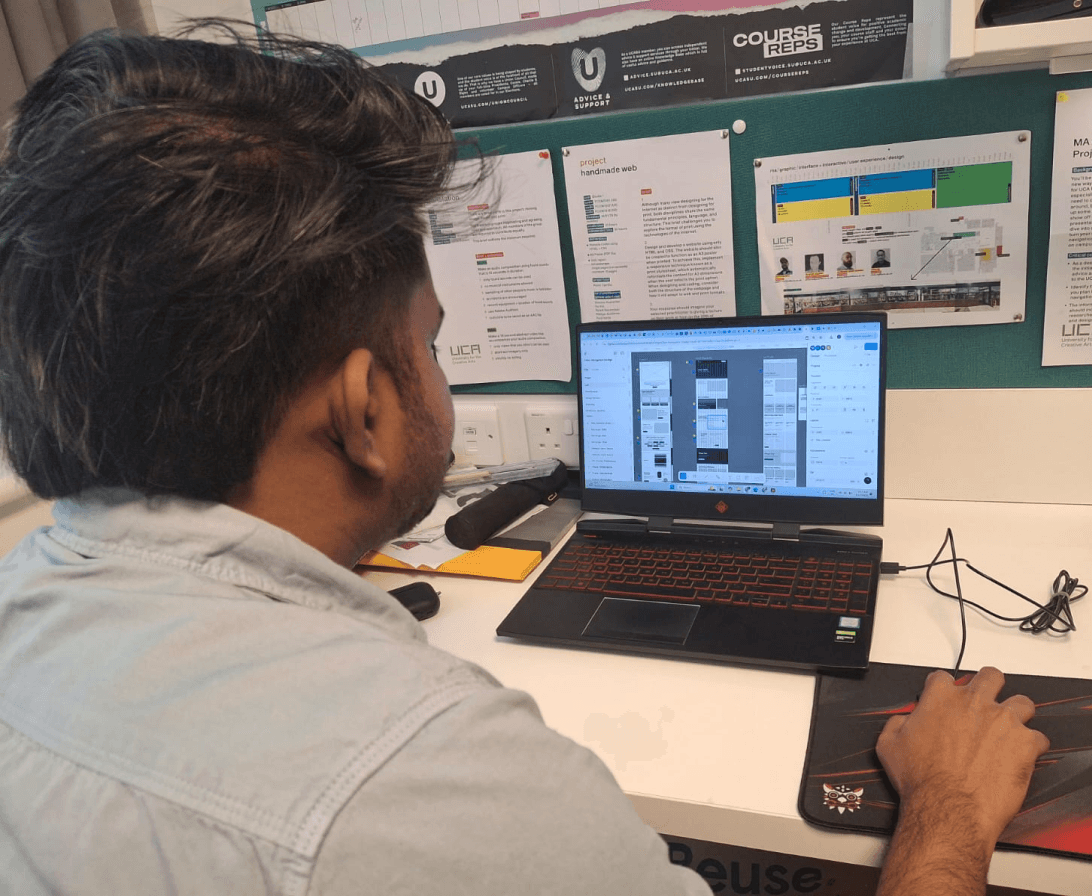
User 3
Who I tested with?

Prototype & Iterate
I translated two rounds of testing into a hi-fi prototype iterating on navigation labels, booking flow, and visual consistency until every task could be completed without prompting.
Click in the frame once to start interacting, press 'R' to return to the homepage.
Outcome
UCA's first grid-based Open Day microsite, built for the students it was meant to attract.
Then three impact lines, no bullets:
Booking flow reduced from 7 steps to 3, with a single inline card replacing multiple redirects
Campus locations surfaced on every page solving the navigation blindness found in every test session
A visual system that finally matches UCA's creative identity bold grid, expressive type, bright palette
Click in the frame once to start interacting, press 'R' to return to the homepage.
UCA's first grid-based Open Day microsite, built for the students it was meant to attract.
Then three impact lines, no bullets:
Booking flow reduced from 7 steps to 3, with a single inline card replacing multiple redirects
Campus locations surfaced on every page solving the navigation blindness found in every test session
A visual system that finally matches UCA's creative identity bold grid, expressive type, bright palette
Click in the frame once to start interacting, press 'R' to return to the homepage.
On design : Aesthetic polish can mask usability failures
Users in round one loved how the prototype looked and still couldn't complete the booking flow. Visual quality created false confidence in the design. The problem was structural, not surface-level.
Next time I would :
Test navigation and task flows in lo-fi before any visual design begins separate the two problems entirely.
On research : Design for two audiences, not one
I assumed the user was always the prospective student. Testing revealed the site also needed to work for anxious parents making the same decision. They needed completely different signals from the same page.
Next time I would :
Define all user groups before testing not midway through iteration when it's expensive to change.
On collaboration : Document decisions
Working across 4 designers, I learned that undocumented decisions get rebuilt from scratch. Twice I had to re-explain design choices that had already been tested and discarded costing time we didn't have.
Next time I would :
Create a shared decision log from day one what we tested, what we changed, and why.
On design : Aesthetic polish can mask usability failures
Users in round one loved how the prototype looked and still couldn't complete the booking flow. Visual quality created false confidence in the design. The problem was structural, not surface-level.
Next time I would :
Test navigation and task flows in lo-fi before any visual design begins separate the two problems entirely.
On research : Design for two audiences, not one
I assumed the user was always the prospective student. Testing revealed the site also needed to work for anxious parents making the same decision. They needed completely different signals from the same page.
Next time I would :
Define all user groups before testing not midway through iteration when it's expensive to change.
On collaboration : Document decisions
Working across 4 designers, I learned that undocumented decisions get rebuilt from scratch. Twice I had to re-explain design choices that had already been tested and discarded costing time we didn't have.
Next time I would :
Create a shared decision log from day one what we tested, what we changed, and why.
On design : Aesthetic polish can mask usability failures
Users in round one loved how the prototype looked and still couldn't complete the booking flow. Visual quality created false confidence in the design. The problem was structural, not surface-level.
Next time I would :
Test navigation and task flows in lo-fi before any visual design begins separate the two problems entirely.
On research : Design for two audiences, not one
I assumed the user was always the prospective student. Testing revealed the site also needed to work for anxious parents making the same decision. They needed completely different signals from the same page.
Next time I would :
Define all user groups before testing not midway through iteration when it's expensive to change.
On collaboration : Document decisions
Working across 4 designers, I learned that undocumented decisions get rebuilt from scratch. Twice I had to re-explain design choices that had already been tested and discarded costing time we didn't have.
Next time I would :
Create a shared decision log from day one what we tested, what we changed, and why.
You might also like
You might also like

Marx Memorial Library
A real client project to solve MML’s low visibility by redesigning its branding to engage younger audiences while respecting its history.
real client
branding
visual design

Marx Memorial Library
A real client project to solve MML’s low visibility by redesigning its branding to engage younger audiences while respecting its history.
real client
branding
visual design
Little Grips: A Digital Play Experience
A digital reimagining of a classic toy that brings tactile play to the digital world, combined with clear visual solutions that help people understand and reduce their plastic footprint.
sustainability
visual design
system mapping
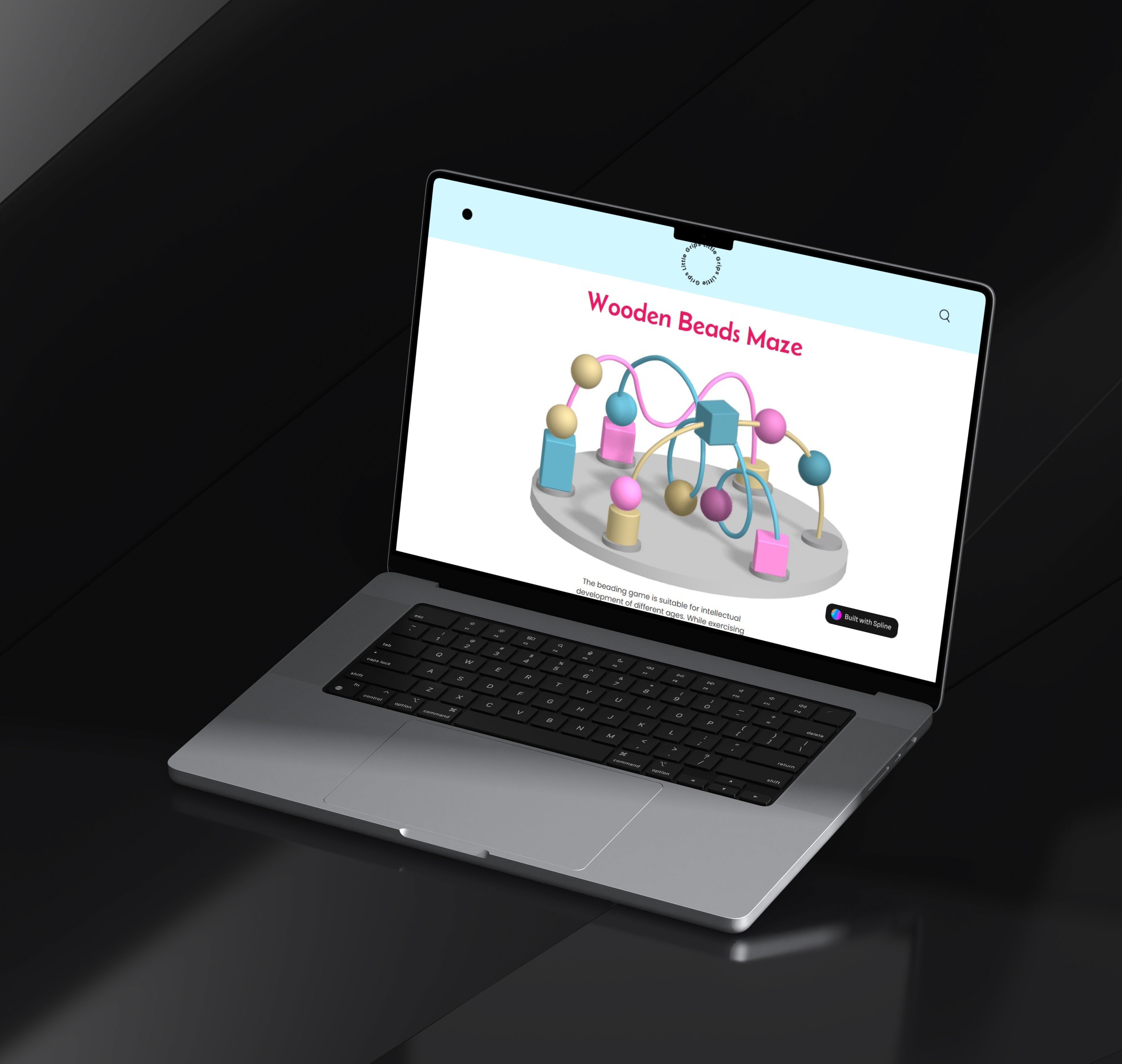
Little Grips: A Digital Play Experience
A digital reimagining of a classic toy that brings tactile play to the digital world, combined with clear visual solutions that help people understand and reduce their plastic footprint.
sustainability
visual design
system mapping